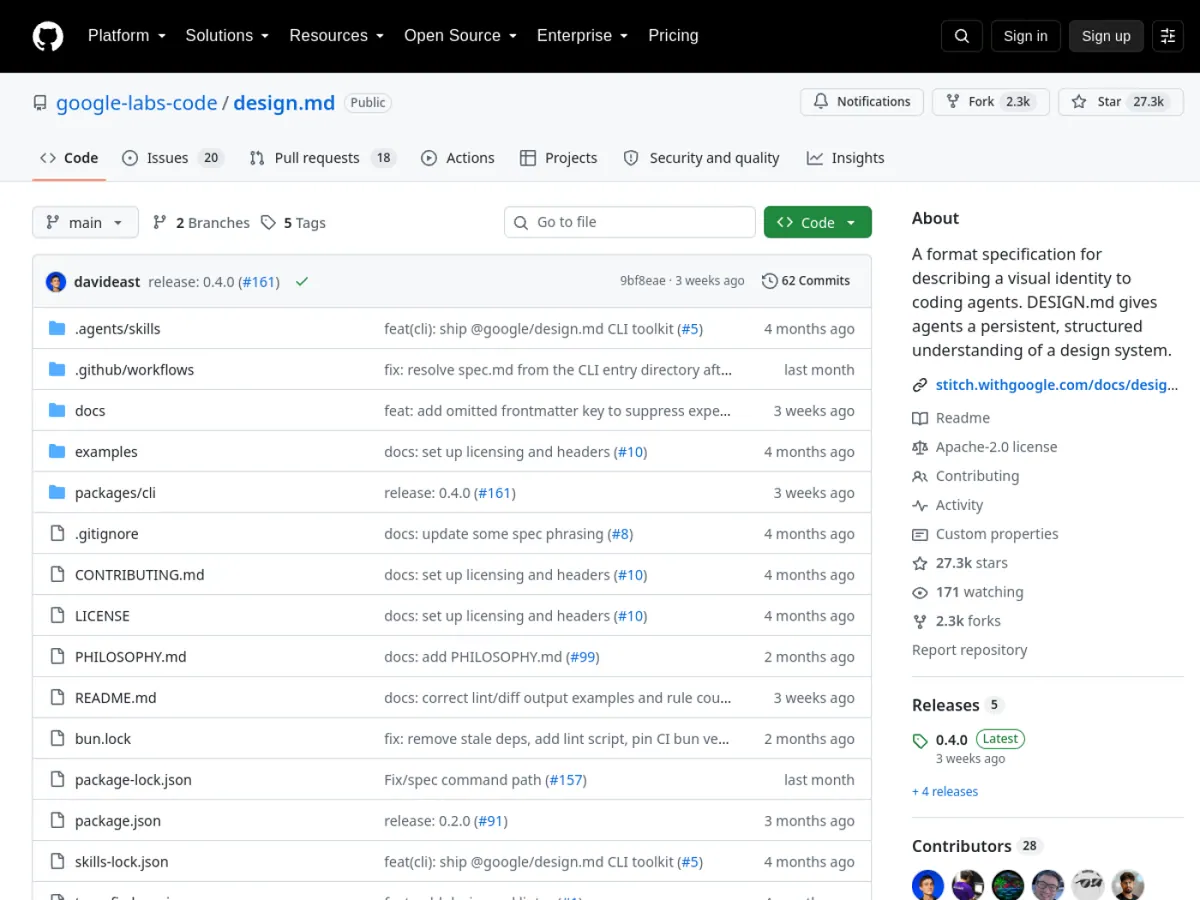
Where to put the file
Place DESIGN.md in the repository root, next to files such as README.md and package.json. If a large monorepo contains genuinely separate products, each product can have its own document, but avoid multiple overlapping files for one interface.
A practical starting structure
# Product design direction

## Principles
- Clear before decorative
- Mobile layouts must remain fully usable
- Use one primary action per section

## Tokens
- Primary: #2457E6
- Text: #172033
- Surface: #FFFFFF
- Space unit: 4px
- Radius: 8px

## Components
- Buttons use sentence case and a minimum 44px touch target
- Cards use borders instead of heavy shadows
- Error messages explain the next action
Add typography, layout widths, focus states, animation limits, dark-mode rules, and examples as the system grows.
How to use it with an AI coding tool
Give a direct instruction before implementation:
Read DESIGN.md first. Preserve its tokens, component rules, responsive behavior, and accessibility requirements. Explain any necessary exception before changing the code.
Then ask the agent to identify which existing components should be reused. This reduces one-off styles and prevents every new page from inventing a new visual language.
What to document precisely
- Semantic colors and their contrast requirements
- Font families, scale, weight, and line height
- Spacing and container widths
- Border, radius, and elevation rules
- Button, input, navigation, dialog, and card variants
- Mobile breakpoints and stacking behavior
- Keyboard focus, reduced motion, and error feedback
- Examples of patterns that should not be introduced
Applying it to an existing interface
Start by describing what the product already does consistently. Do not redesign the entire site in the document before testing it. Apply the rules to one representative screen, check desktop and mobile, and revise ambiguous instructions before expanding.
Common mistakes
A list of adjectives such as “modern, clean, premium” is too vague. A huge document with no priorities is also difficult to follow. Keep the rules testable, point to real components, and update the file in the same pull request when a deliberate design decision changes.
What DESIGN.md is
DESIGN.md is a plain-text design contract for humans and coding agents. It combines structured tokens with written guidance so an AI tool does not have to infer the interface style from a single screenshot or prompt every time.
It works best when the document states both the values to use and the decisions those values support.