
LOOTNARY WORK TIPS
Work Tips
Step-by-step fixes for PC problems, separated from downloadable tool guides.
20published work tips
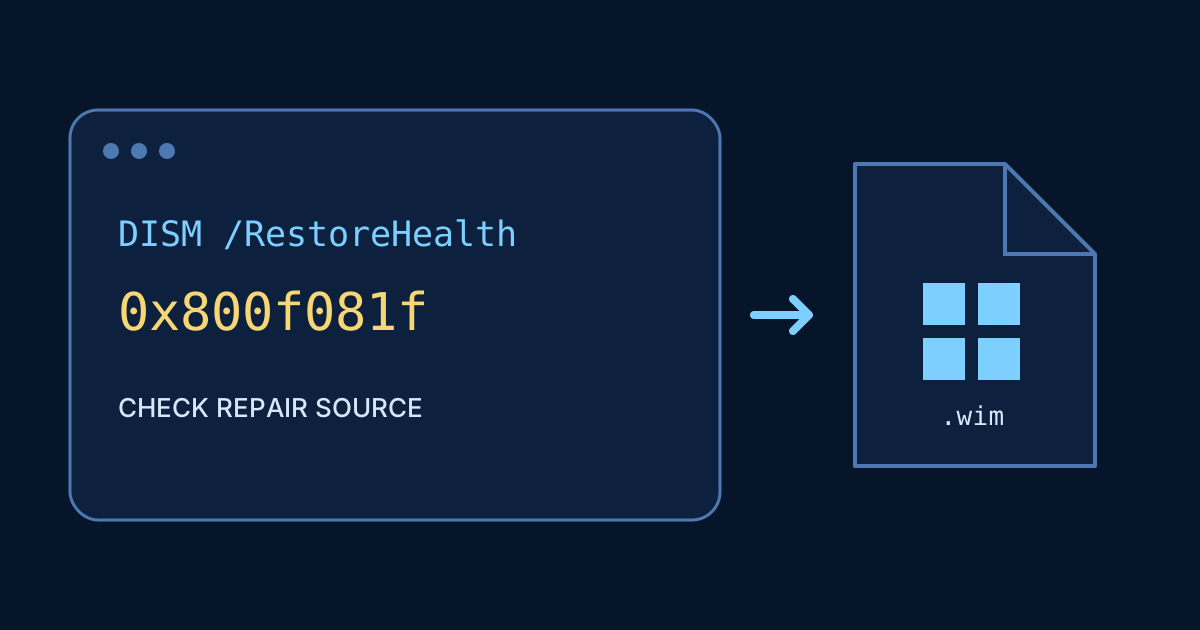 DISM Error 0x800f081f: Check the Repair Source Before RetryingDISM 0x800f081f · source files could not be found · RestoreHealth
 Windows Activation 0xC004C003 or 0xC004F074: Check the License TypeWindows Activation 0xC004C003 or 0xC004F074
 Microsoft Store, Photos or Calculator Won’t Open: Repair vs ResetMicrosoft Store, Photos or Calculator Won’t Open
- MSVCP140.dll or VCRUNTIME140.dll Missing: Repair the Official RuntimeMSVCP140.dll or VCRUNTIME140.dll Missing
 ‘File Is Open in Another Program’: Find the Lock Before Deleting‘File Is Open in Another Program’
 No Audio Output Device in Windows: Check Routing Before DriversNo Audio Output Device in Windows
 Wi-Fi Says ‘No Internet, Secured’: Diagnose Before Resetting WindowsWi-Fi Says ‘No Internet, Secured’
 Windows Start Menu or Taskbar Not Responding: Restart Explorer SafelyWindows Start Menu or Taskbar Not Responding
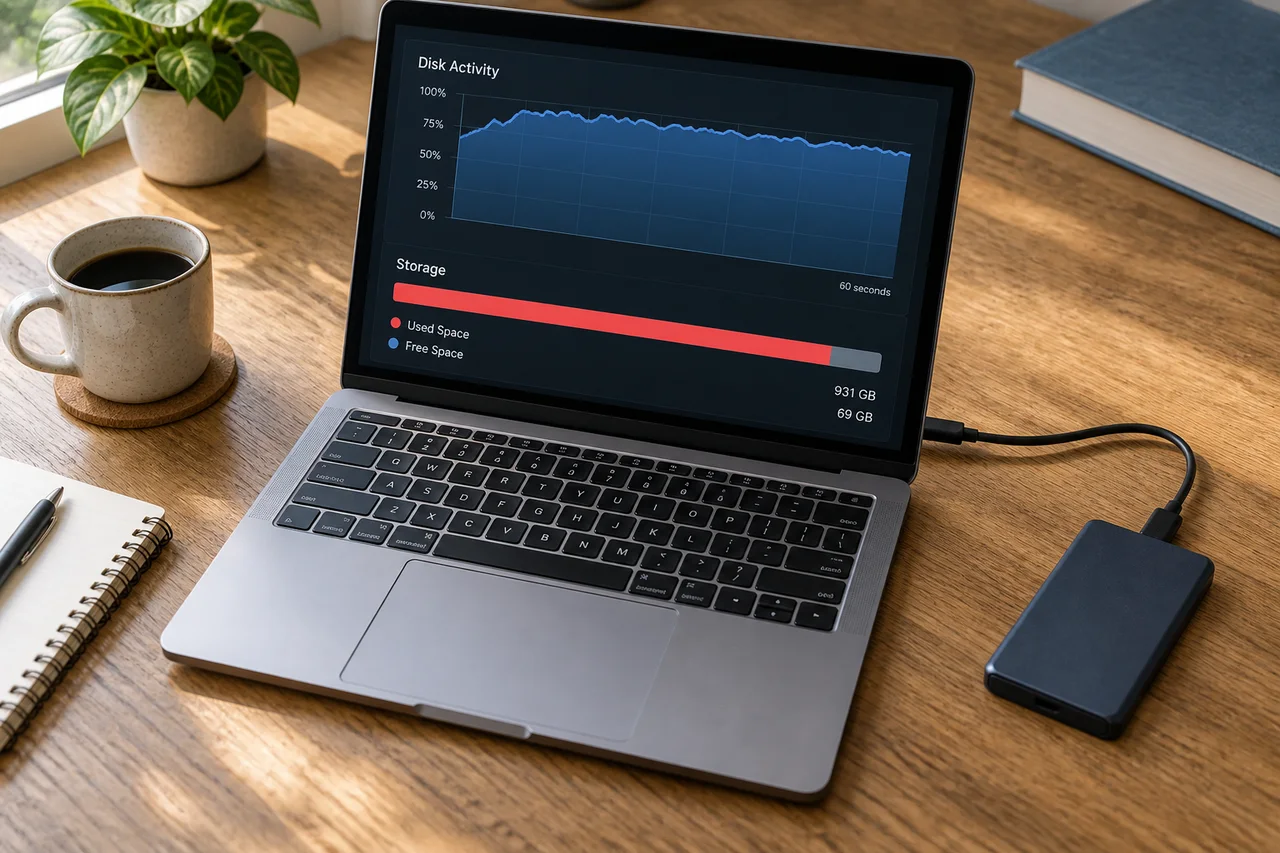 Windows Disk Usage at 100%: Active Time Is Not Full StorageWindows Disk Usage at 100%
 Windows Update 0x80070002 or 0x80240034: Check Before Clearing the CacheWindows Update 0x80070002 or 0x80240034
 Windows Stop Codes: CRITICAL_PROCESS_DIED, MEMORY_MANAGEMENT and IRQLWindows Stop Codes
 Find a BitLocker Recovery Key: Match the Key ID Before Entering 48 DigitsBitLocker recovery key · 48-digit BitLocker key · recovery key ID
 Windows 11 Black Screen With a Cursor: Display, Explorer, and Driver FixesWindows 11 black screen · black screen with cursor · no display after boot
 Windows 11 Blue Screen Loop: Record the Stop Code, Then Troubleshoot SafelyWindows 11 blue screen · stop code · BSOD restart loop
 Windows 11 Update Stuck or Failed: Fix 0%, 100% and Error Codes SafelyWindows 11 update stuck · Windows Update failed · 0x800f0922
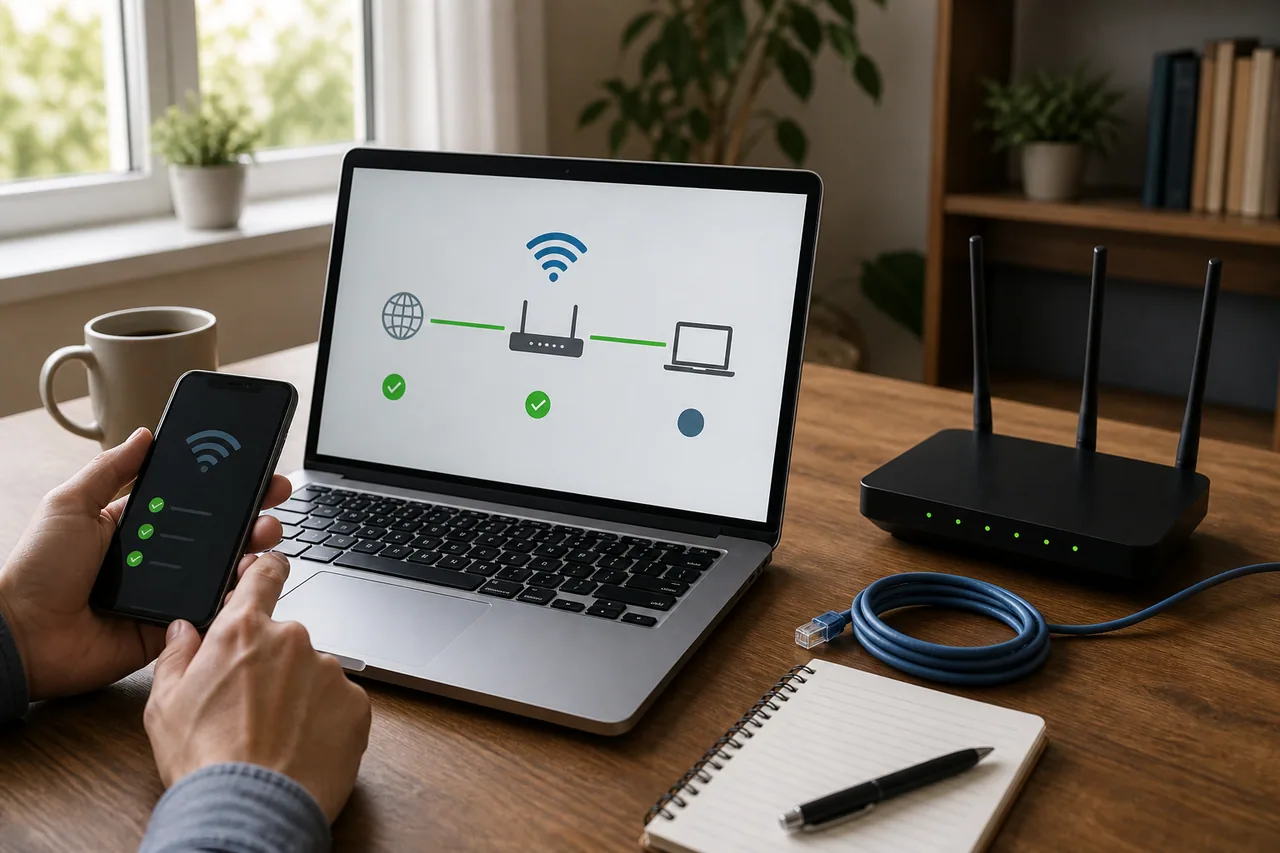 Windows 11 Wi-Fi Connected but No Internet: A Safe Fix OrderWindows 11 Wi-Fi · Wi-Fi connected no internet · network reset
 Before You Reset Windows 11: Files, BitLocker & App ChecklistWindows 11 reset · Keep my files · BitLocker recovery key
- Windows 11 Slow Startup: Diagnose and Disable Startup Apps SafelyWindows 11 slow startup · startup apps · Task Manager
 Remove Unused Korean Banking Security Software with Hoax EliminatorHoax Eliminator · Korean banking software · slow Windows PC
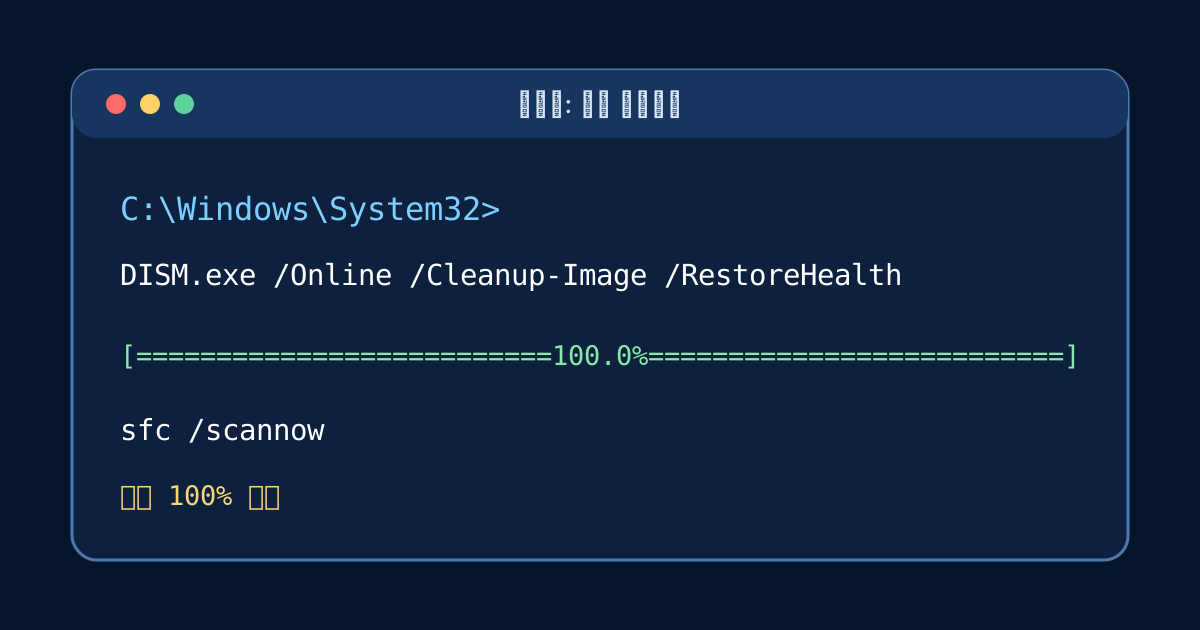 DISM Stuck at 100%? Repair Windows 11, Then Run SFC /scannowDISM stuck · DISM 100 percent · 0x800f081f