
When Is the Best Time to Visit Korea? Choose by Season and Itinerary
Compare spring, summer, autumn and winter for city walking, scenery and indoor travel without treating blossom dates or weather as guarantees.
KOREA TRAVEL
Search recently checked Korea travel apps and practical visitor guides by category, region, language, and access conditions.
Compare spring, summer, autumn and winter for city walking, scenery and indoor travel without treating blossom dates or weather as guarantees.
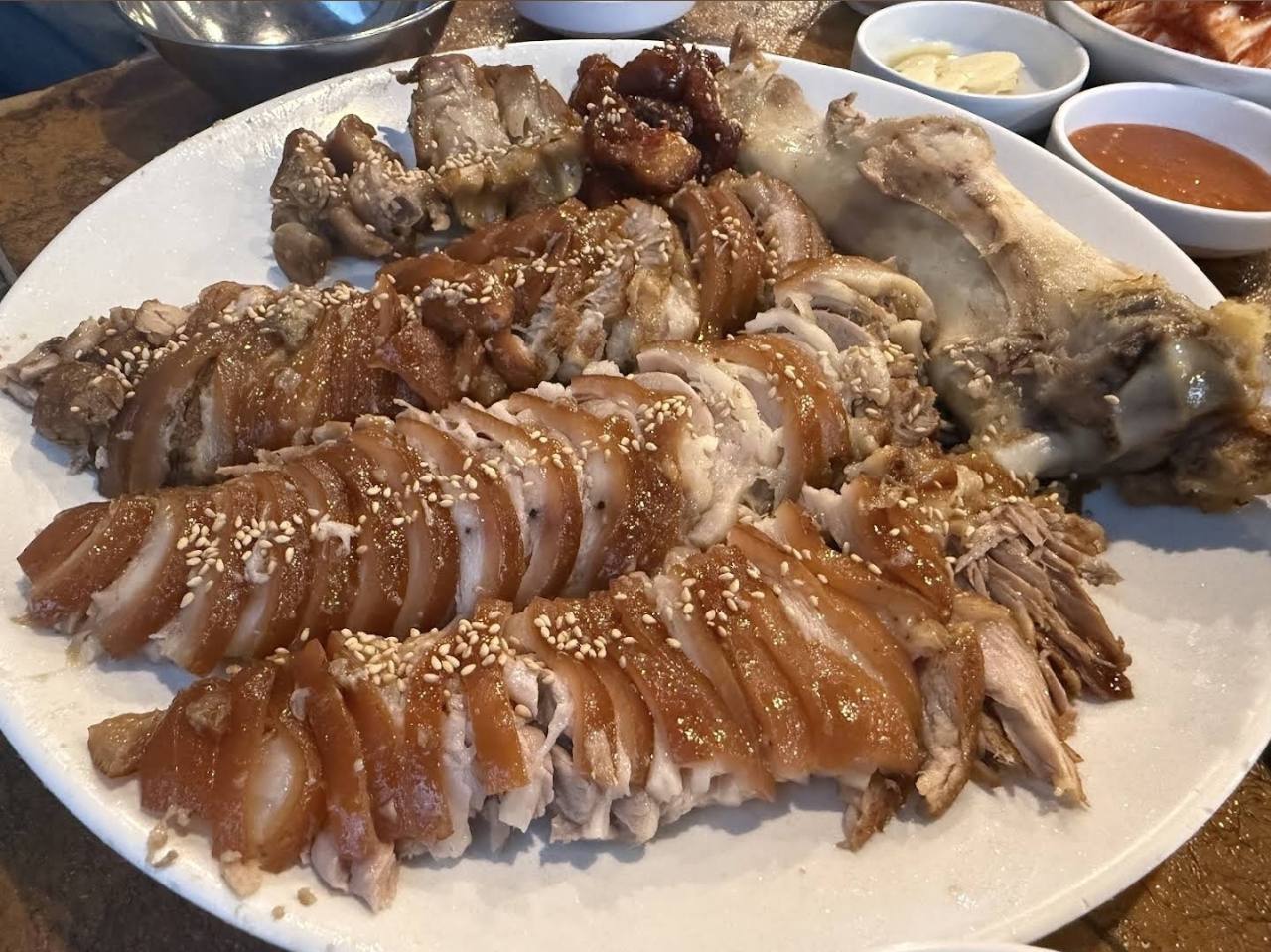
Try a local-food stop in Dangsan, Seoul: Herb Jokbal, with pork and bibim-guksu photos, its second-floor address, Google Maps and practical ordering phrases.
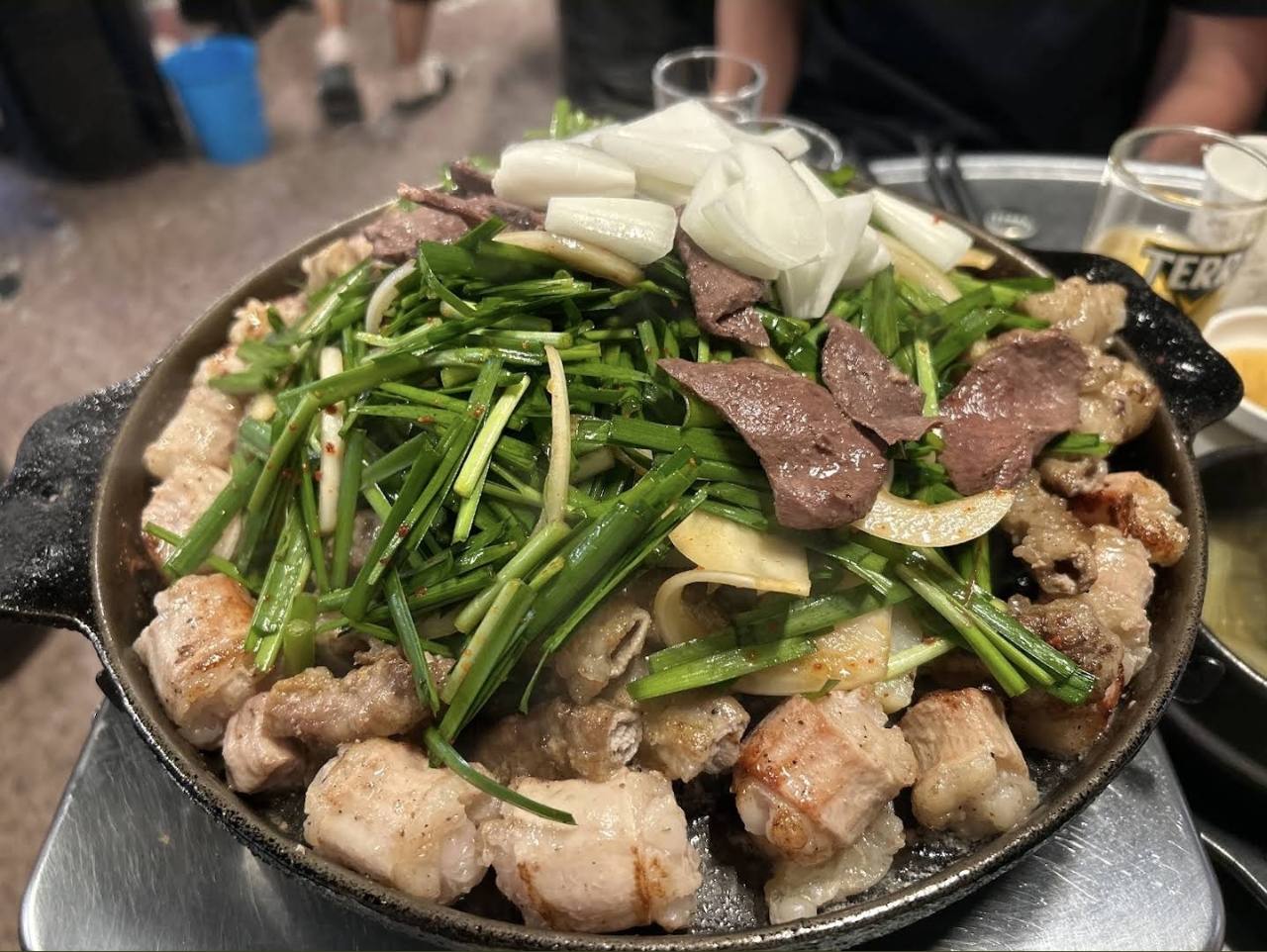
Find Dangsan Yetnal Gopchang in Yeongdeungpo, Seoul: Korean BBQ near Lines 2 and 9, Google Maps, ordering help, card payment and walk-in rules.
Install Korea's official Emergency Ready App for multilingual disaster alerts, safety guidance, nearby shelters and medical facilities, embassy information, and direct access to 119.
Use English where available, save Korean addresses, and communicate short requests with Papago without treating automatic translation as a guarantee.
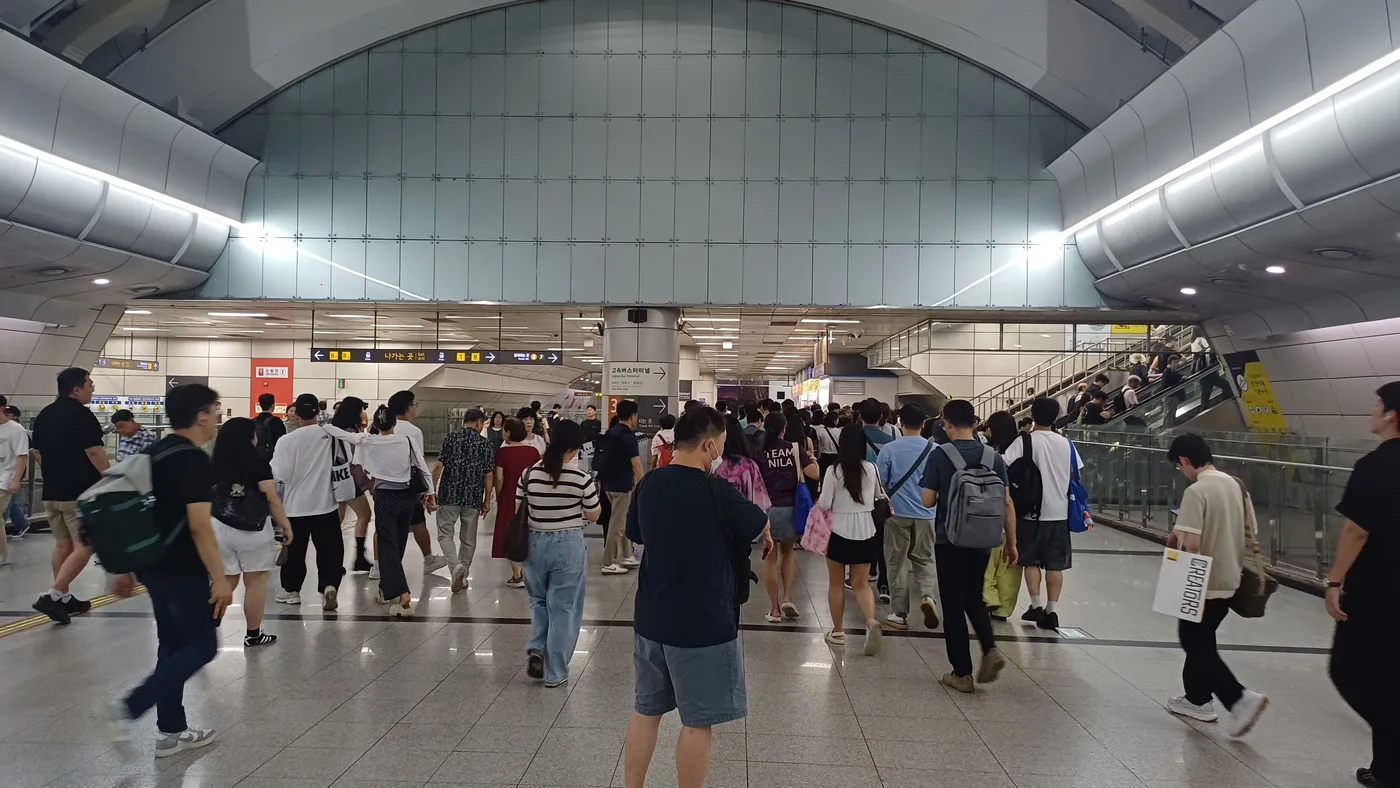
Navigate Lines 3, 7 and 9, distinguish Seoul Gyeongbu from Central City, and find terminal maps, boarding checks and line-specific lost-property contacts.
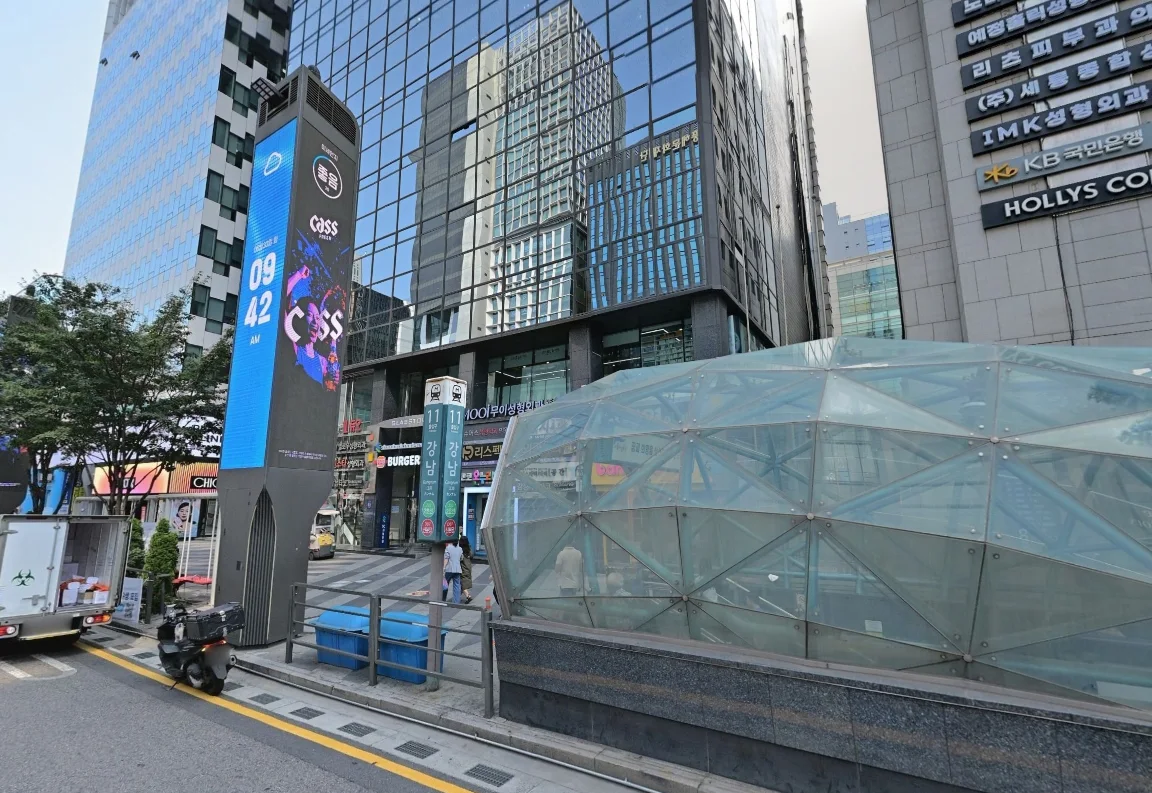
Know which Gangnam station and line you need, handle Shinbundang transfer gates, and choose a street exit from your destination rather than the neighborhood’s name.
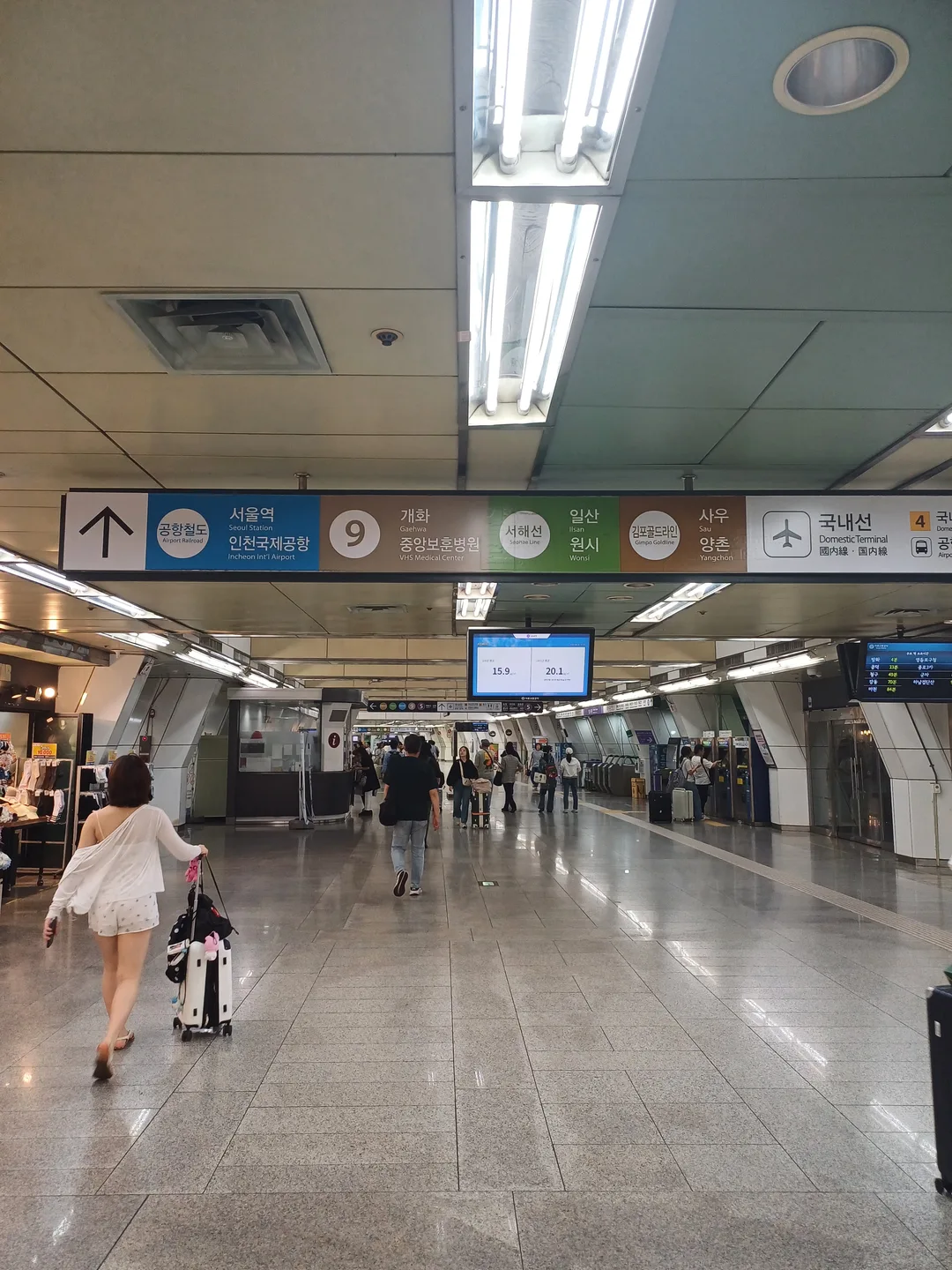
Navigate Gimpo Airport Station’s five connecting lines, choose the domestic or international terminal corridor, and distinguish airport trains from city transfers.
Understand why map search and navigation are different, what the 2026 map-data decision does not guarantee, and how to prepare a reliable route in Korea.
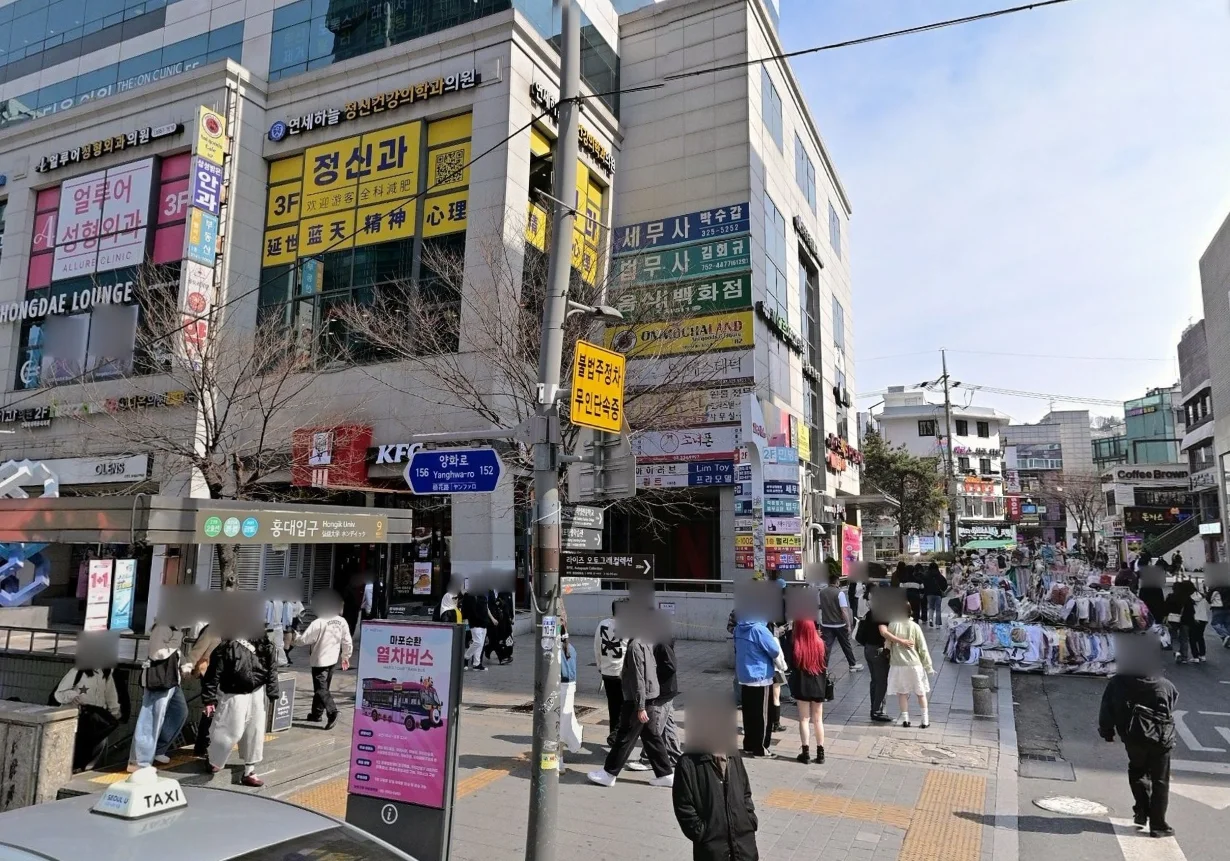
Choose the right Hongdae exit, transfer between AREX and Line 2, and find the published luggage-storage areas without hauling your suitcase across the wrong concourse.
Choose the right side of Jamsil for Lotte World Adventure or Seoul Sky, transfer between Lines 2 and 8, and contact the correct lost-property centre.
Use KakaoBus to check nearby bus stops, real-time bus and subway arrivals, route details, transfers, fares, and boarding or exit alerts in one app.
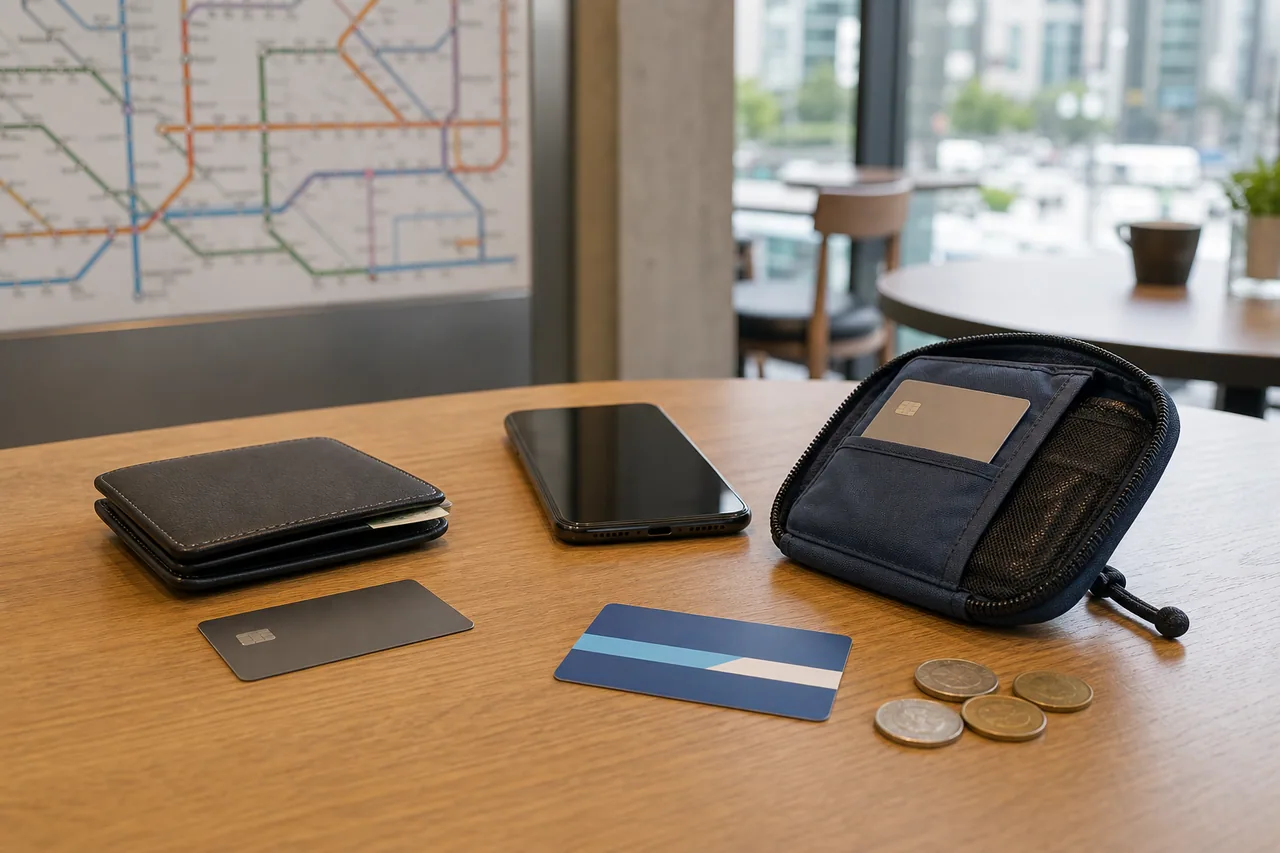
Build a reliable payment setup for Korea with two foreign cards, small cash and a separate transit-card balance, including what to do when a card or mobile payment fails.
Separate shop payments from transit top-ups, test foreign cards before relying on them, and size a practical cash reserve around your actual itinerary.
Use simple, considerate defaults for homes, meals and shared transport without treating every Korean setting as governed by one rigid rule.
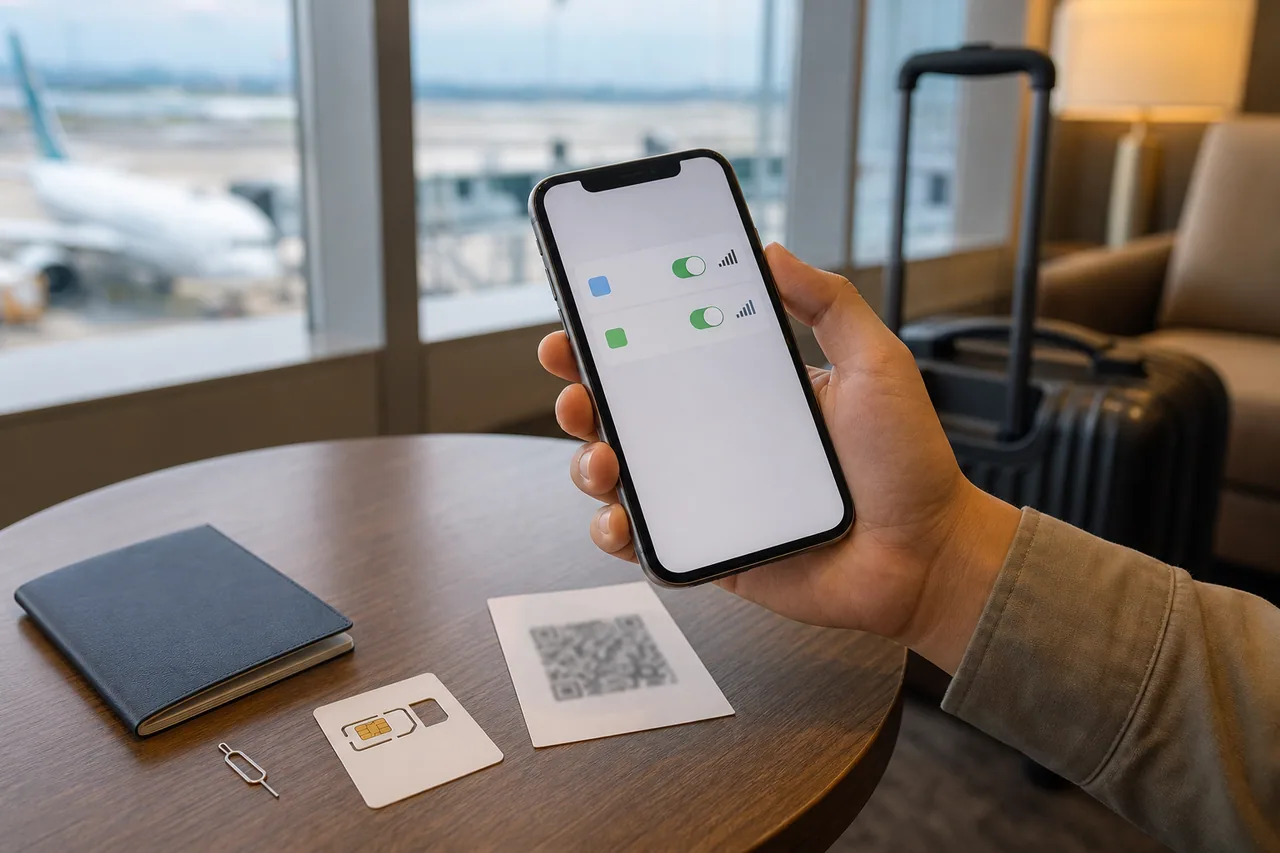
Choose between a Korea eSIM, physical SIM, home-carrier roaming and pocket Wi-Fi, then configure dual-SIM data safely and avoid surprise roaming charges on arrival.
Compare phone compatibility, activation timing, calls, SMS, hotspot and return requirements before buying mobile connectivity for Korea.
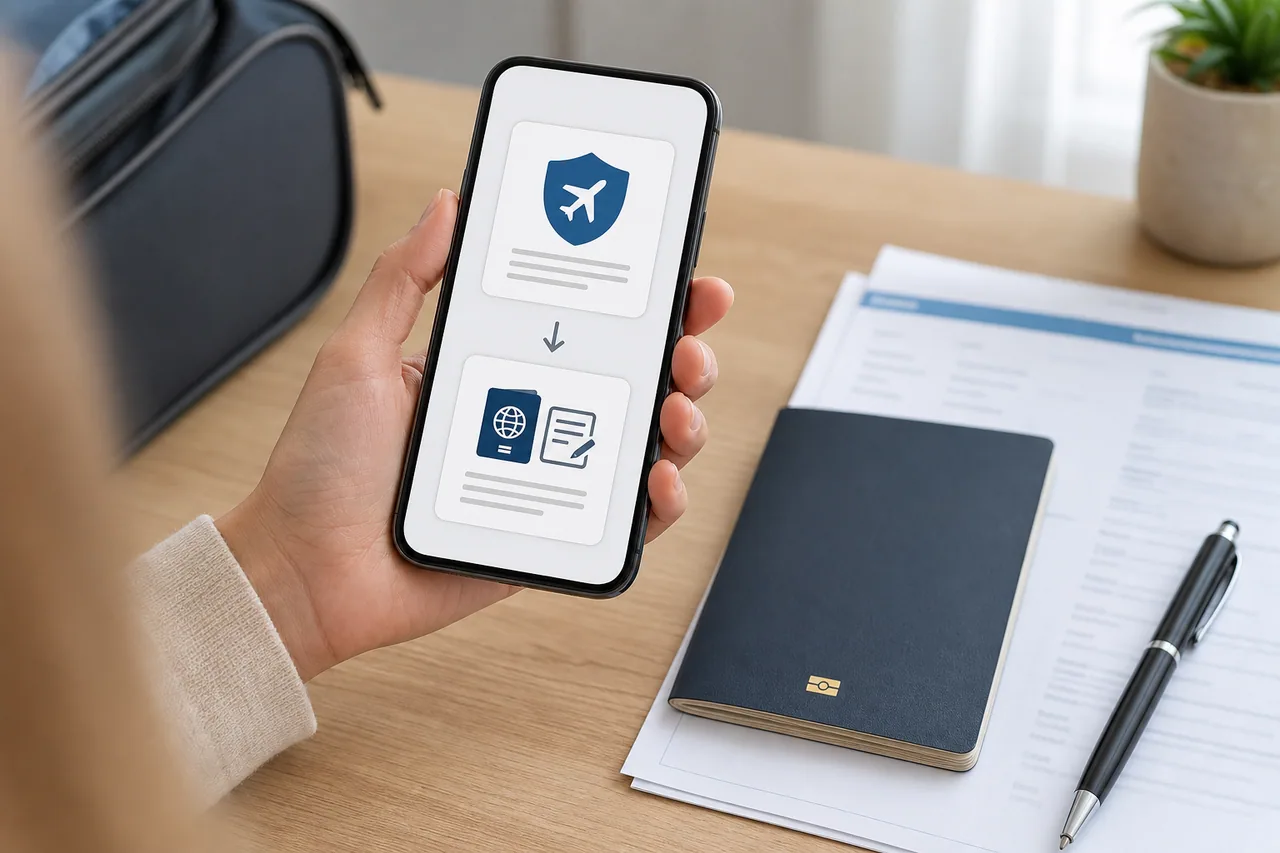
Understand the difference between Korea's K-ETA travel authorization and free e-Arrival Card, including the 2026 temporary exemption, filing window and official decision path.
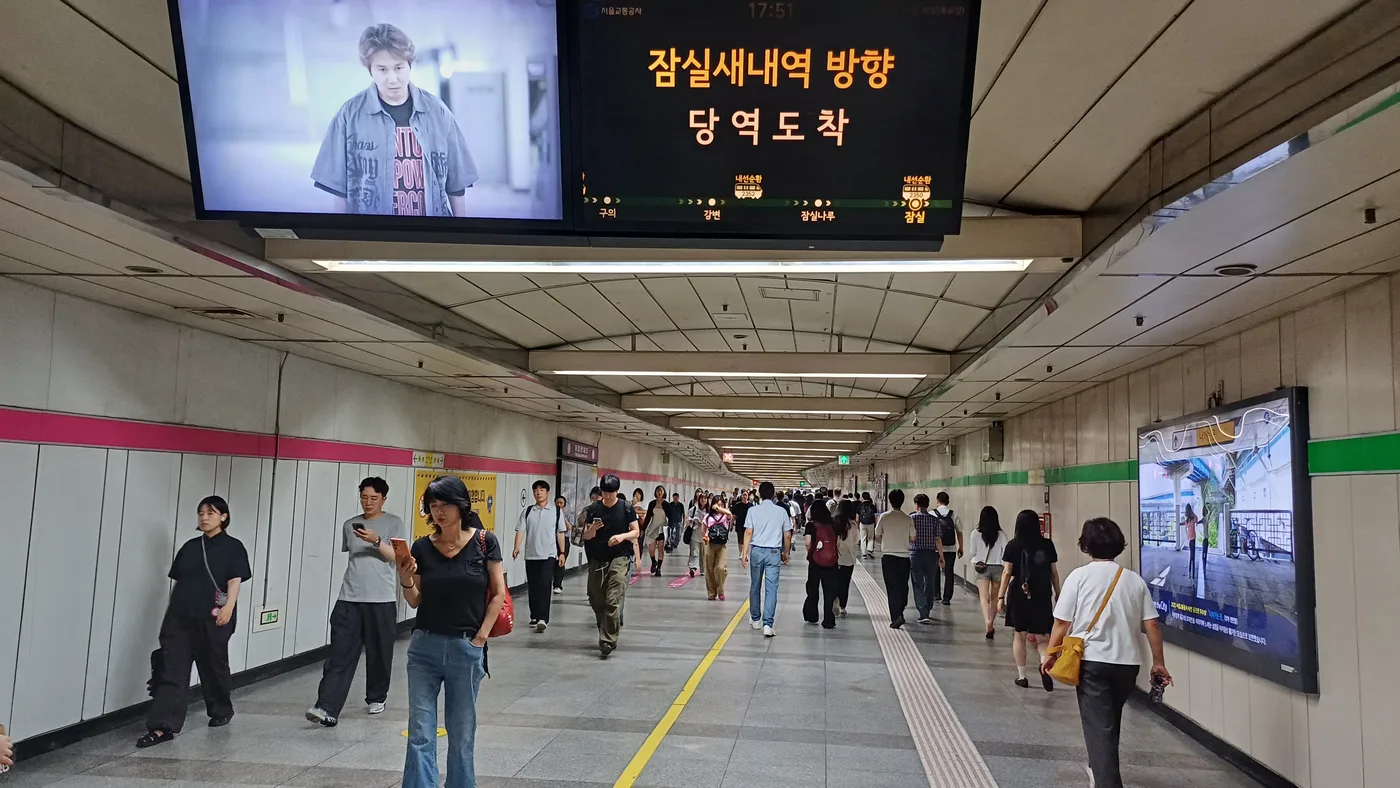
Choose a transport card, check the correct balance, tap properly and compare Climate Card coverage with your actual route before buying a pass.
Prepare accommodation, transport, valuables and emergency contacts for a solo Korea trip without assuming low crime means no personal risk.
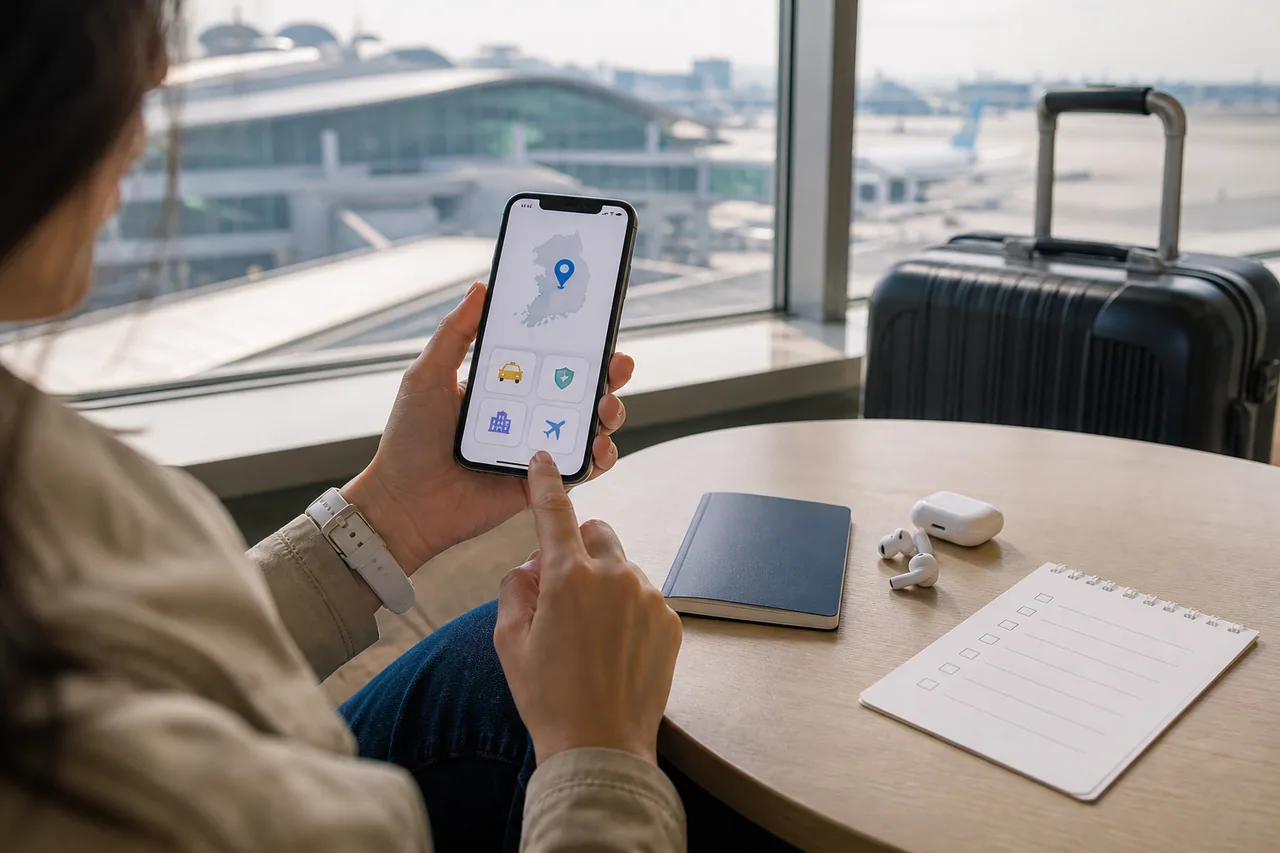
Set up a small, practical Korea travel app stack for maps, taxis, safety alerts and official trip information, then test each app before leaving home.
Follow a passport-specific entry checklist and separate visa status, K-ETA travel authorization and the e-Arrival Card declaration before a Korea trip.
Use Kakao Mobility's k.ride app to call taxis in Korea with a multilingual interface, translated driver chat, estimated fares, foreign cards, PayPal, and airport pickup reservations.
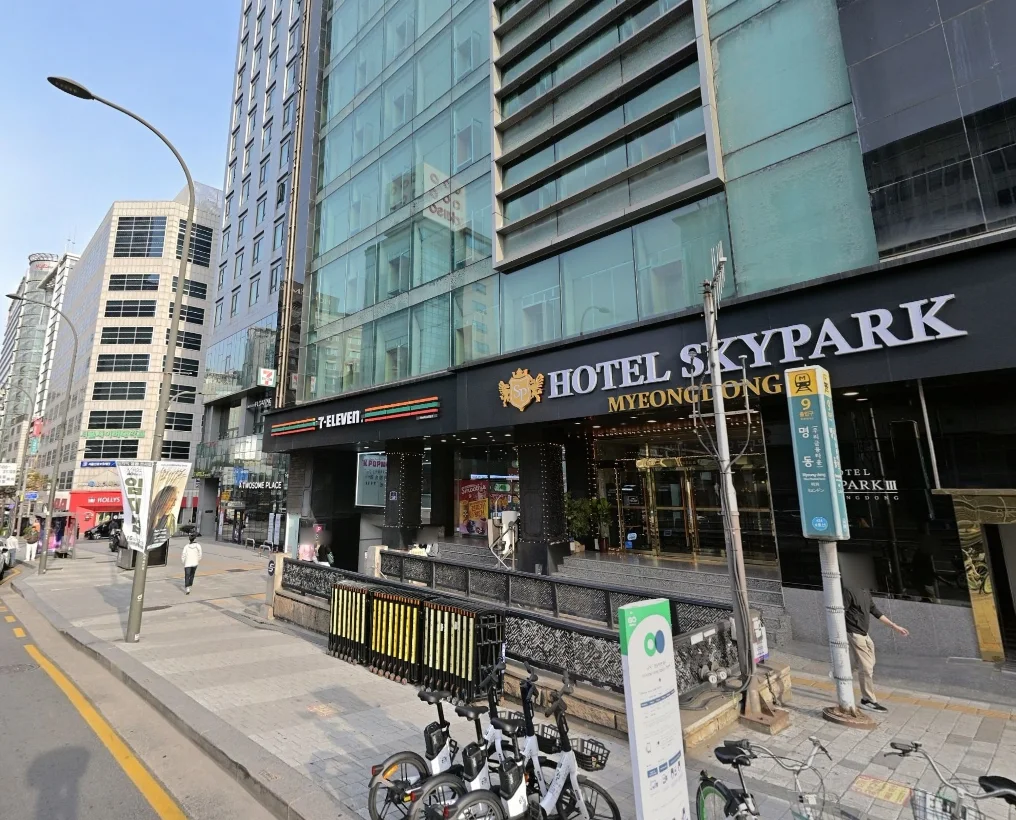
Use Myeongdong’s Line 4 station for the shopping district, choose a hotel exit by address, and locate the officially listed B1 luggage-storage area near Exits 9 and 10.
Use NAVER Map to find Korean places, check branches and opening hours, and compare walking, bus, and subway routes without a Korean phone number.
Rent Seoul Bike Ttareungyi as a visitor: choose Foreigner, buy a 1-, 2-, or 3-hour pass, find a bike, unlock by QR, and confirm the return.
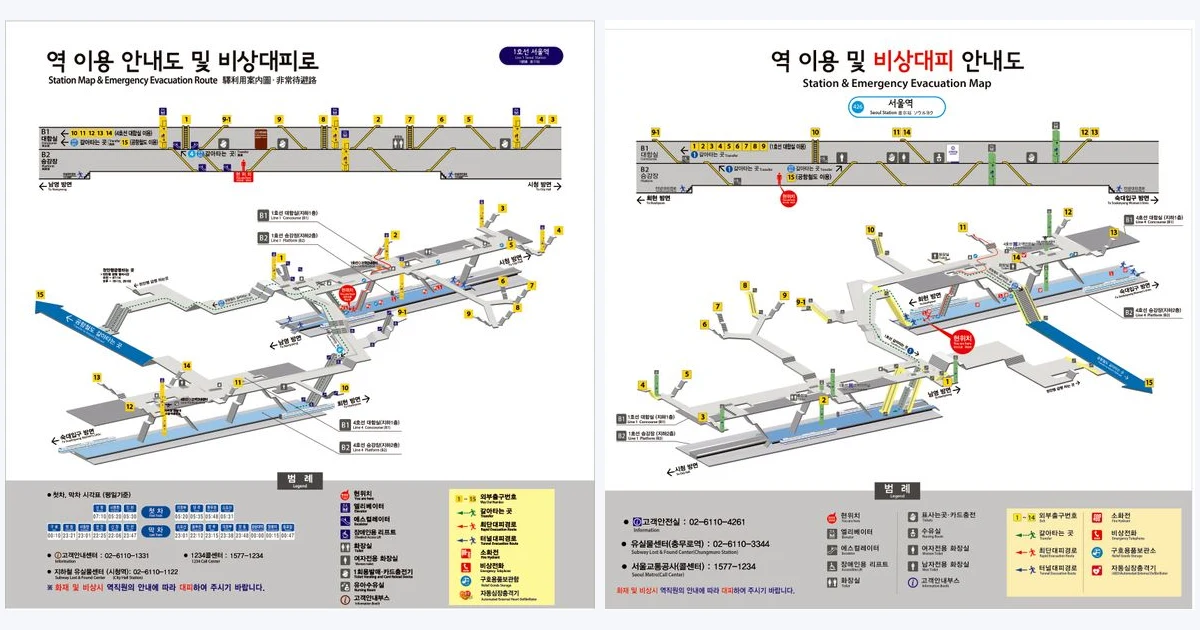
Navigate Seoul Station with official Line 1 and Line 4 maps, practical toilet and elevator guidance, and clear routes between KTX, AREX and the subway.
Know what to do with the bill in Korea, distinguish a service charge from a voluntary tip, and avoid awkward payment assumptions at restaurants and hotels.
Use the Korea Tourism Organization's VISITKOREA app for official attraction, food, accommodation, festival and transport information, suggested itineraries, trip planning, offers, and 1330 help.
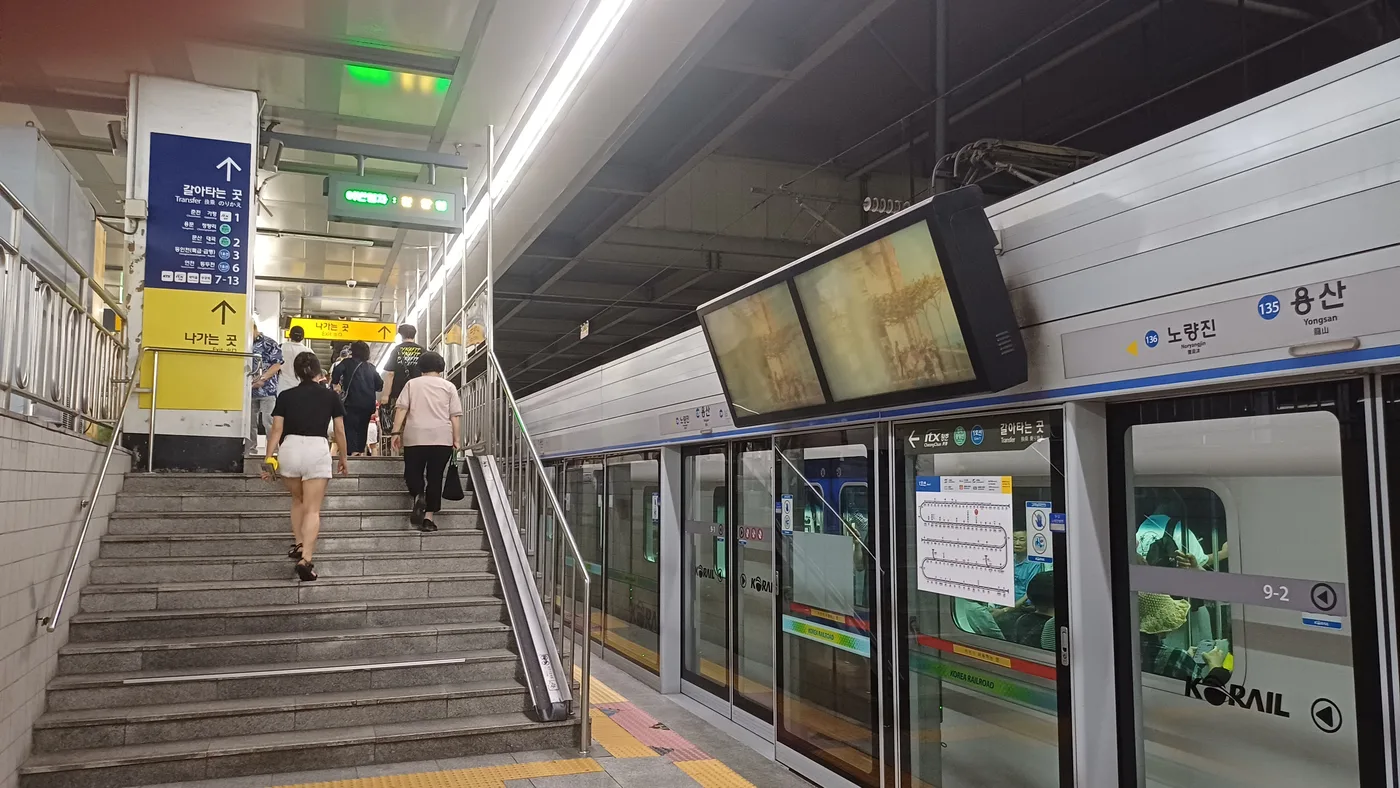
Find Yongsan for your booked train, distinguish it from Line 4 Sinyongsan, and handle subway-to-KTX or ITX-Cheongchun connections without confusing tickets.
No matching travel information was found.