
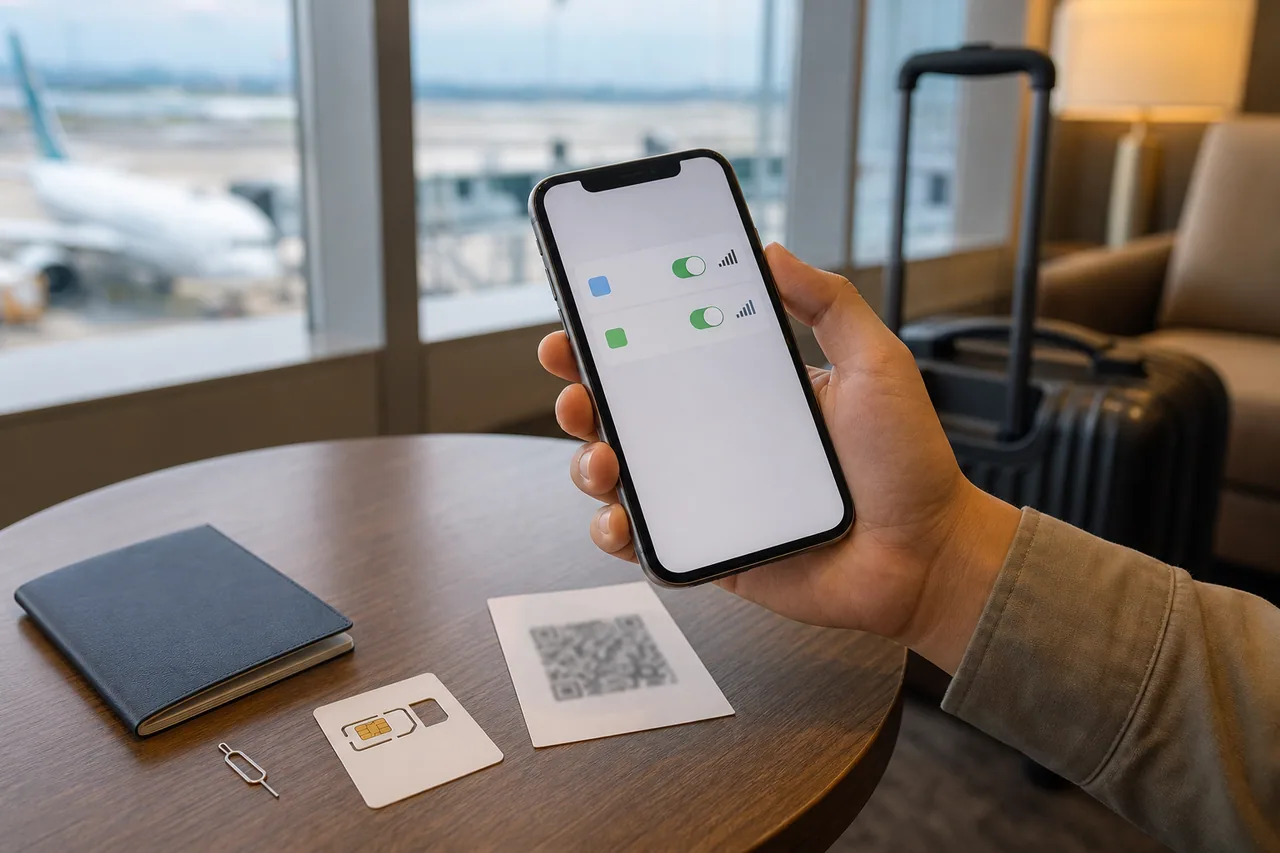
Choose the required service before the format
An eSIM describes how a plan is installed, not everything that plan includes. A physical SIM is not automatically voice-enabled, and an eSIM is not automatically data-only. Compare the actual data, calls, SMS and identity-verification limitations.
Start with the tasks you need: maps and messaging, ordinary phone calls, booking texts, or sharing a connection with a laptop. Then check whether the device and plan support them.
Compare the options realistically
| Option | Useful when | Check carefully |
|---|---|---|
| eSIM | Compatible unlocked phone and simple installation | Exact model, activation start and reinstall policy |
| Physical SIM | Device lacks eSIM or staff setup helps | Compatibility, home-SIM storage and included services |
| Pocket Wi-Fi | Several nearby devices share data | Battery, separation, pickup and return |
| Home-carrier roaming | Simple arrival fallback | Price and included allowance |
No format wins for every traveler. A family that splits into two groups may find one shared router less convenient than expected.
Confirm compatibility before paying
Check the precise model and regional variant, not just the product family. Confirm the device is unlocked where required. Review the provider’s instructions for supported operating systems and setup.
On an iPhone, check Settings → General → About → Carrier Lock. Apple’s travel guidance says an unlocked device shows No SIM Restrictions. This checks the carrier lock, not your exact model’s eSIM support or the plan’s allowance; confirm those separately.
If choosing eSIM, establish when validity begins: purchase, installation or first network connection can mean different things across plans. A cheap plan that starts before travel may provide little useful coverage on arrival.
Read voice, SMS and hotspot details
A Korean phone number does not guarantee eligibility for identity verification used by local services. Ask the provider what incoming calls, outgoing calls, SMS and hotspot are included. Do not infer these features from the word “tourist SIM.”
For pocket Wi-Fi, agree who carries it and what happens when people separate. Keep at least one independent way to contact help rather than placing every device behind a single battery.
Test before leaving the arrival area
With Wi-Fi off, open a website, find a saved destination and send a message. Test voice, SMS or hotspot separately if you paid for them. Confirm the intended line is selected for mobile data and review home-line roaming settings.
Follow the provider’s own APN and roaming instructions. Do not repeatedly delete an eSIM profile when data fails; some activation codes cannot simply be reused.
Keep the recovery and return plan
Save support details, validity and order reference securely. Keep QR codes and activation credentials private. For rented equipment, check return location and hours against your actual departure terminal.
The connection setup guide explains line selection and troubleshooting in more detail. A successful purchase is not the final test: the plan should work on your exact device, support your required tasks and leave a backup if setup fails.