
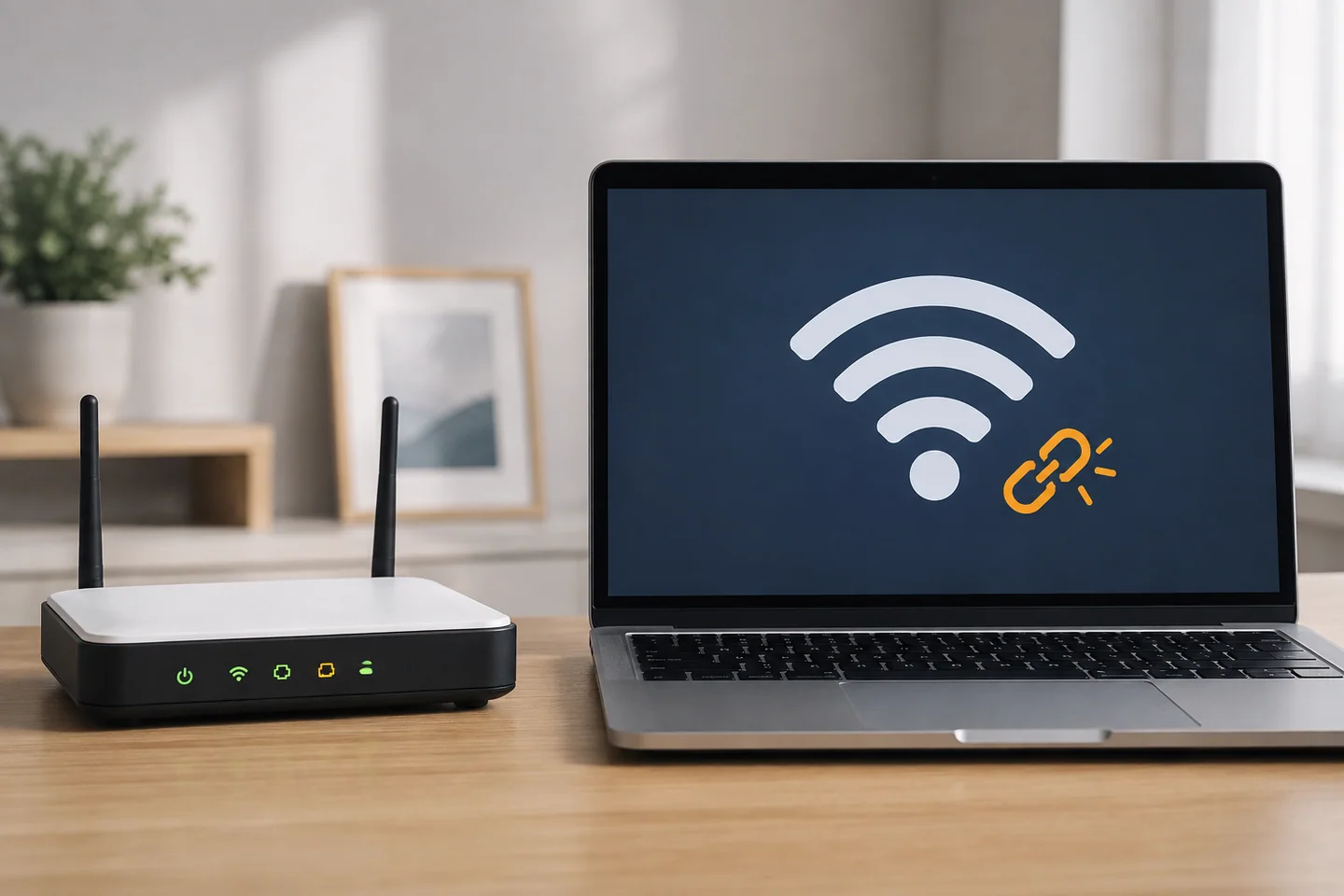
Compare the device and the connection
| Result | Investigate first |
|---|---|
| Several devices fail on one network | Router, connection or provider |
| Only this PC fails | Adapter, proxy, VPN or driver |
| One app or site fails | That service or application |
| Only hotel or airport Wi-Fi fails | Captive-portal login |
| Another network works | Original network restrictions |
Check data charges and company policy before using a phone hotspot as a test. A router restart is not a factory reset; the latter may erase the settings needed to reconnect.
Check login requirements and basic settings
Public Wi-Fi may require an official terms or room-authentication page after connection. Follow the venue’s instructions. Do not bypass certificate warnings or give a familiar account password to an unexpected login page.
Review airplane mode, adapter state, the selected saved network and proxy configuration. On a managed device, ask IT how to test a VPN rather than uninstalling it or disabling security settings.
Know what each command changes
Clearing DNS can help investigate name-resolution issues, but it does not fix radio reception or an internet-provider outage. When justified, record the result of ipconfig /flushdns in an administrator terminal.
By contrast, ipconfig /release can remove the current address lease and disconnect you. Winsock or IP-stack resets can require a restart and reconfiguration. Arrange a separate way to contact remote support before changing the network carrying that support session.
Reserve a full network reset
Windows network reset reinstalls adapters and resets related settings. Prepare Wi-Fi credentials, VPN installation information and any fixed-IP or proxy configuration. Do not use it without a recovery path.
If only one application fails, a whole-network reset is wider than the evidence supports. Continue with the Wi-Fi troubleshooting guide for a detailed sequence.
Secured does not mean online
The status can describe the wireless connection to the router without confirming working internet access. The upstream connection, DNS, a public Wi-Fi login or proxy may still prevent browsing. Test two unrelated websites and distinguish one failing app from a general outage.
When comparing a phone on the same Wi-Fi, turn its mobile data off. Otherwise an automatic cellular fallback can make a broken network appear healthy.
Write a useful comparison statement
For example: “Only laptop A fails on hotel Wi-Fi; the phone works with cellular disabled; the laptop works at home.” Add the adapter name, Windows version and start time. That description is more actionable than “internet broken.” Redact public IP addresses and unnecessary network details before sharing diagnostic screenshots publicly.