
How to use the collection
- Open the repository and browse the available references.
- Choose a product with a similar purpose, not merely a similar color palette.
- Read the document and identify the rules that transfer to your interface.
- Copy the file into a temporary research folder or extract the relevant sections.
- Rewrite the rules for your own users, content, components, and brand.
- Save the final decisions in your project-level
DESIGN.md.
Using it with an AI coding agent
Tell the agent which document is a reference and which file is authoritative:
Use the reference only for hierarchy and interaction ideas. Follow our root DESIGN.md for final tokens and components. Do not copy logos, images, copy, or brand-specific details.
This prevents the reference from silently overriding an existing product system.
An original starter for your own DESIGN.md
The following is an editorial example for a small reading-focused site, not a file copied from the collection. Replace the choices with your own requirements and test them with real content.
# Project design rules

## Purpose
Help readers choose an article and read it without distraction.

## Color and type
- Use a white surface, near-black text, and one blue action color.
- Start article text at 18px with 1.7 line height; keep browser zoom usable.
- Use a readable text measure rather than stretching paragraphs full width.

## Article cards
- Show category, image, publication date, and descriptive title.
- Make the title link keyboard-accessible with a visible focus indicator.
- Keep image proportions consistent; never bake the title into the image.

## Responsive behavior
- Use one column when titles and images no longer fit comfortably.
- Test long titles, missing images, and translated labels.
- Keep tables scrollable without making the whole page overflow.

## Review
- Check empty, loading, error, hover, and keyboard-focus states.
- Honor reduced-motion preferences for nonessential animation.
This is a starting specification, not an accessibility certification. Test contrast, focus order, zoom, and the actual mobile layout before adopting it.
When the result does not follow the reference
| Symptom | What to inspect | Bounded next step |
|---|---|---|
| Every page uses a different style | Conflicting instructions or duplicate tokens | Name one authoritative file and map the current tokens to it |
| A polished demo breaks with real text | Fixed heights, short placeholders, or hidden overflow | Test a long title and a translated paragraph in one card first |
| The agent ignores the document | The file may not have been read or its rules are vague | Ask it to summarize the relevant rules before changing one component |
| A copied reference feels generic | Choices describe a brand, not your readers’ task | Rewrite the purpose and card-content rules before adding visual effects |
For ready-made UI source instead of a written design reference, use the 21st.dev component workflow. A design document guides decisions; a component still needs integration and testing.
What Awesome DESIGN.md is
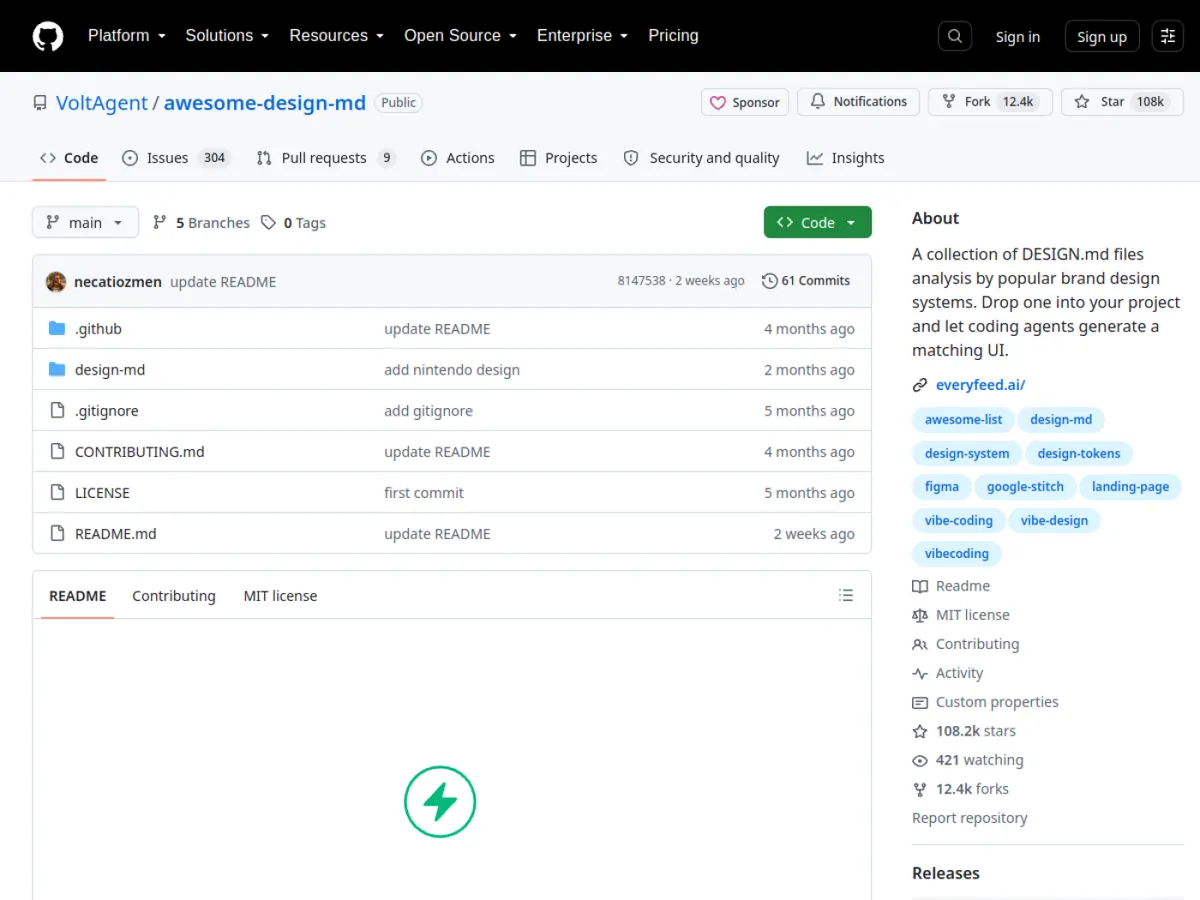
Awesome DESIGN.md is a GitHub collection of independent design analyses for publicly visible websites. Each file can summarize visual hierarchy, colors, typography, layout, components, responsive behavior, and useful instructions for AI coding tools.
It is a reference library rather than a framework or runtime dependency.
Reference versus official documentation
An analysis of a public website is not the company’s official design system. Values may be inferred, incomplete, or outdated. Verify important accessibility and responsive decisions in your own implementation.
A quick adaptation checklist
- Replace brand names, assets, and marketing copy.
- Define semantic colors with sufficient contrast.
- Map patterns to components already in your codebase.
- Check keyboard focus and form labels.
- Test narrow mobile widths and large text.
- Record deliberate changes in your own DESIGN.md.