The easiest browser workflow
- Search for a component type such as a hero, pricing table, or sign-in form.
- Inspect desktop and mobile previews.
- Check the dependencies, source structure, license, and price.
- Create a Git branch before installation.
- Copy the exact command shown on the selected component page.
- Review every new file and package before merging.
Do not copy a placeholder URL. A shadcn-compatible command commonly follows this shape:
npx shadcn@latest add https://21st.dev/r/author/component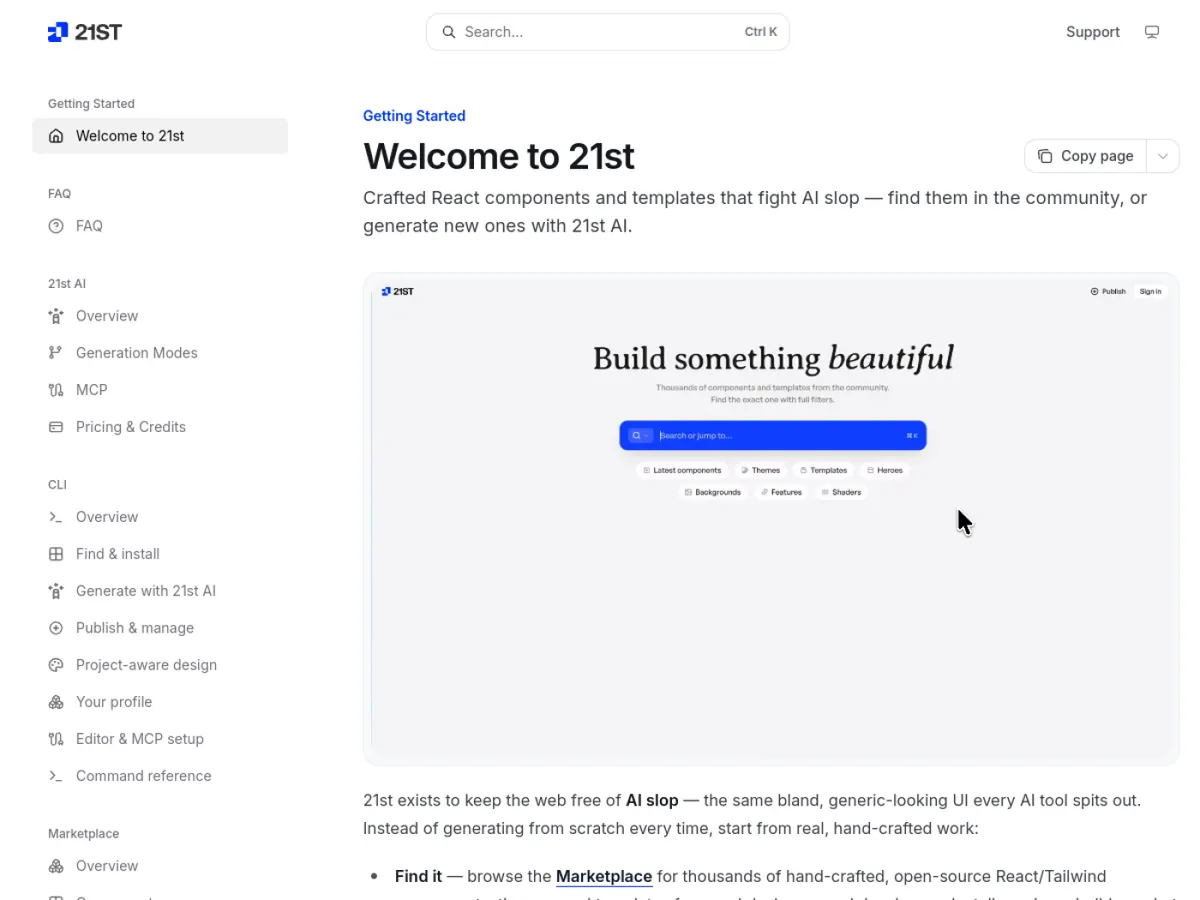
Install the official CLI
For repeated search and installation, install the unified CLI:
npm i -g @21st-dev/cli
21st login
To try a search without a global installation:
npx @21st-dev/cli search "pricing table"Search and add from the CLI
21st search "hero section" --type component --limit 5
21st search "dark dashboard" --type theme
21st search "saas starter" --type template --free
21st add author/slug
Use the slug returned by the actual search. The add command can place component source and dependencies into the repository, so treat it as a code change rather than a design download.
Preview the installation command before changing files
After choosing an actual search result, replace the example author and slug below. The official CLI supports printing the generated installation command without running it:
21st add author/slug --printCheck the target registry and component before installing. Avoid a whole-registry installation when you only need one card or button; reviewing a small diff makes dependency and style conflicts easier to find.
If the demo works but your page does not
These are integration checks, not guaranteed fixes for every component.
| Symptom | First thing to inspect | Next step |
|---|---|---|
| Missing-module or import-alias error | The exact import path and files added by the installer | Match the alias to the project’s configuration; do not add unrelated packages |
| Layout renders without expected styling | Required theme variables and the project’s CSS setup | Compare the component requirements with the installed styling system |
| Interactive component fails during server rendering | Browser-only APIs and the framework’s client boundary | Isolate the interactive part using the framework’s supported approach |
| Long text overlaps on mobile | Fixed widths, heights, and demo-only content | Test real text at a narrow width before changing the shared layout |
Agree on colors, spacing, and component rules before importing more examples. The Awesome DESIGN.md guide includes a small original specification you can adapt for that purpose.
Checks after installation
- Run the project build and type checker.
- Inspect the package-lock diff for unexpected dependencies.
- Verify keyboard navigation and visible focus.
- Check narrow mobile widths and long translated text.
- Replace hard-coded colors with project tokens where appropriate.
- Confirm that copied components do not introduce a second button, icon, or utility system unnecessarily.
What 21st.dev is
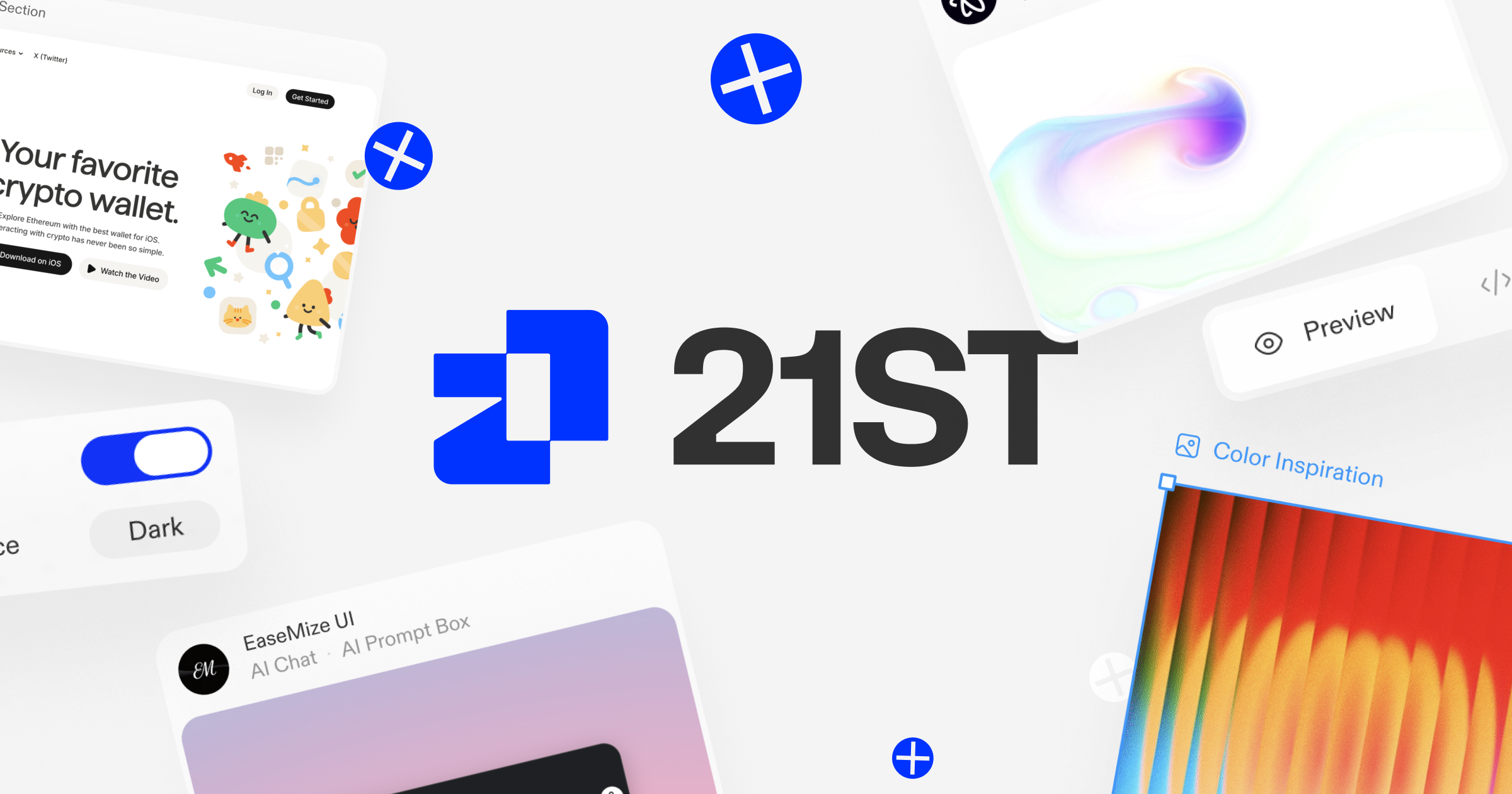
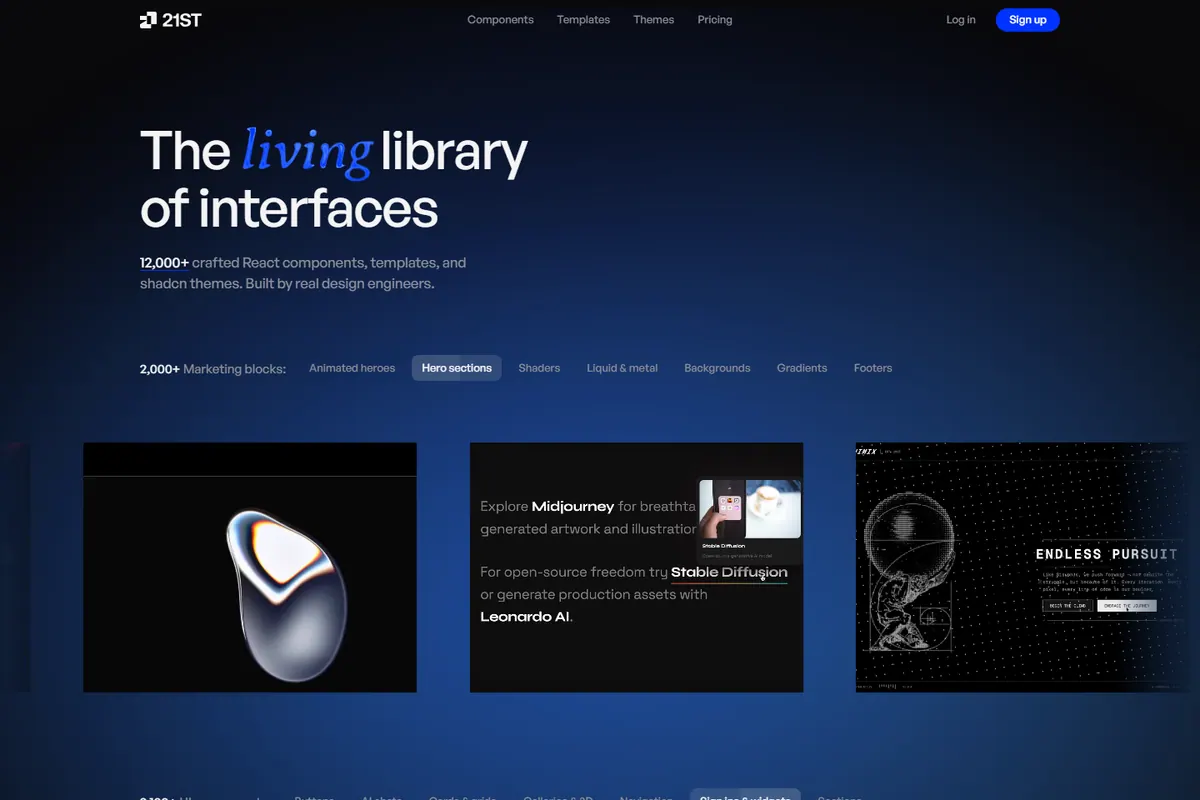
21st.dev is a marketplace for community-built React and Tailwind components, themes, and templates. Many items provide a live preview and an installation command compatible with the shadcn registry workflow.
Best way to adopt components
Start with a bounded element rather than replacing an entire site. A hero, pricing block, or form is easier to review and adapt. Once the component matches your design tokens and tests, promote the stable pieces into the project’s shared component system.