
Install on Windows
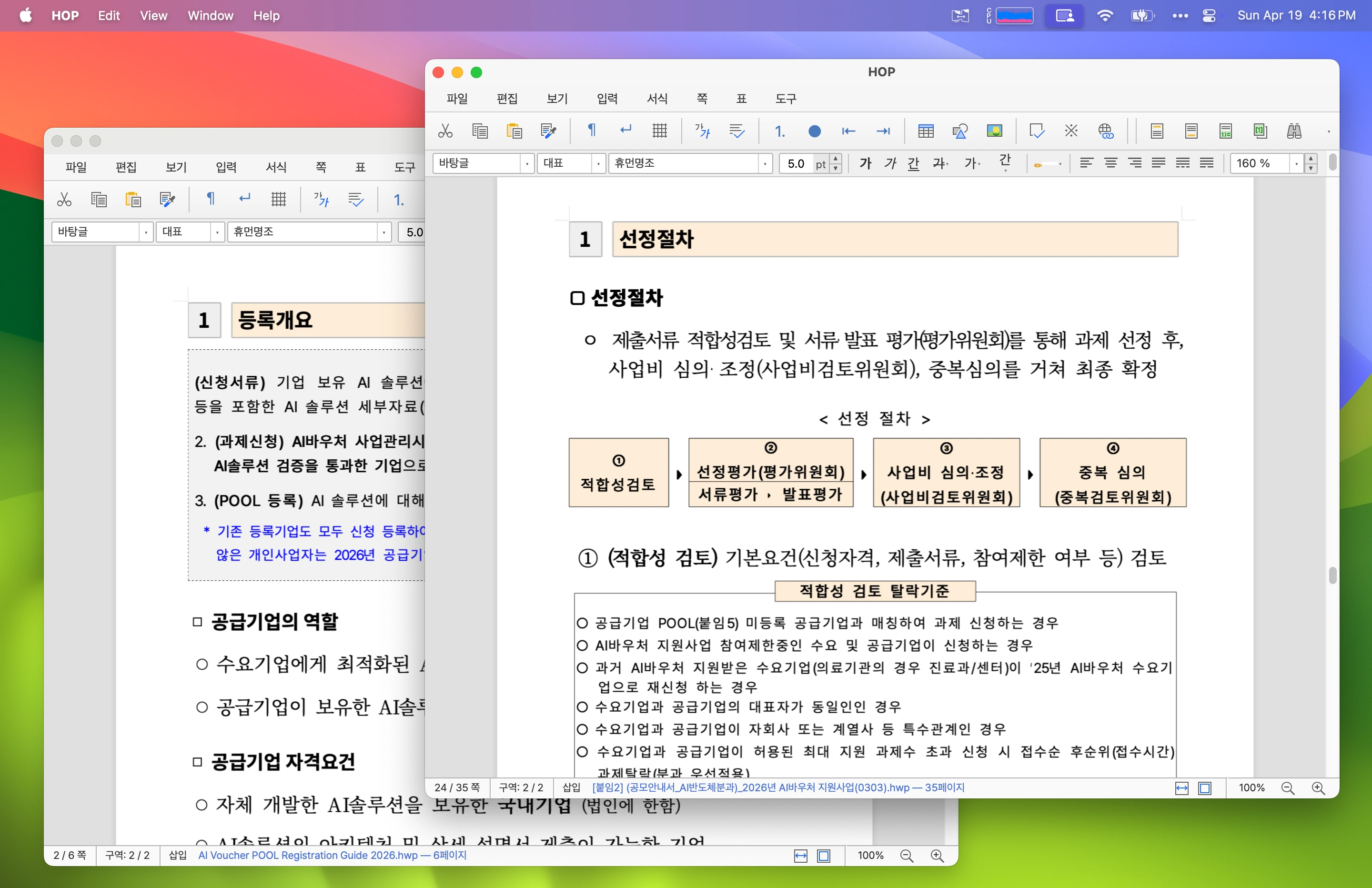
- Open the official HOP download page.
- Choose the Windows x64 MSI or setup executable.
- Run the downloaded installer.
- Open a copy of the HWP or HWPX document in HOP.
If Windows displays a warning, verify that the installer came from the official site or the project’s GitHub release page before continuing.
Install on macOS
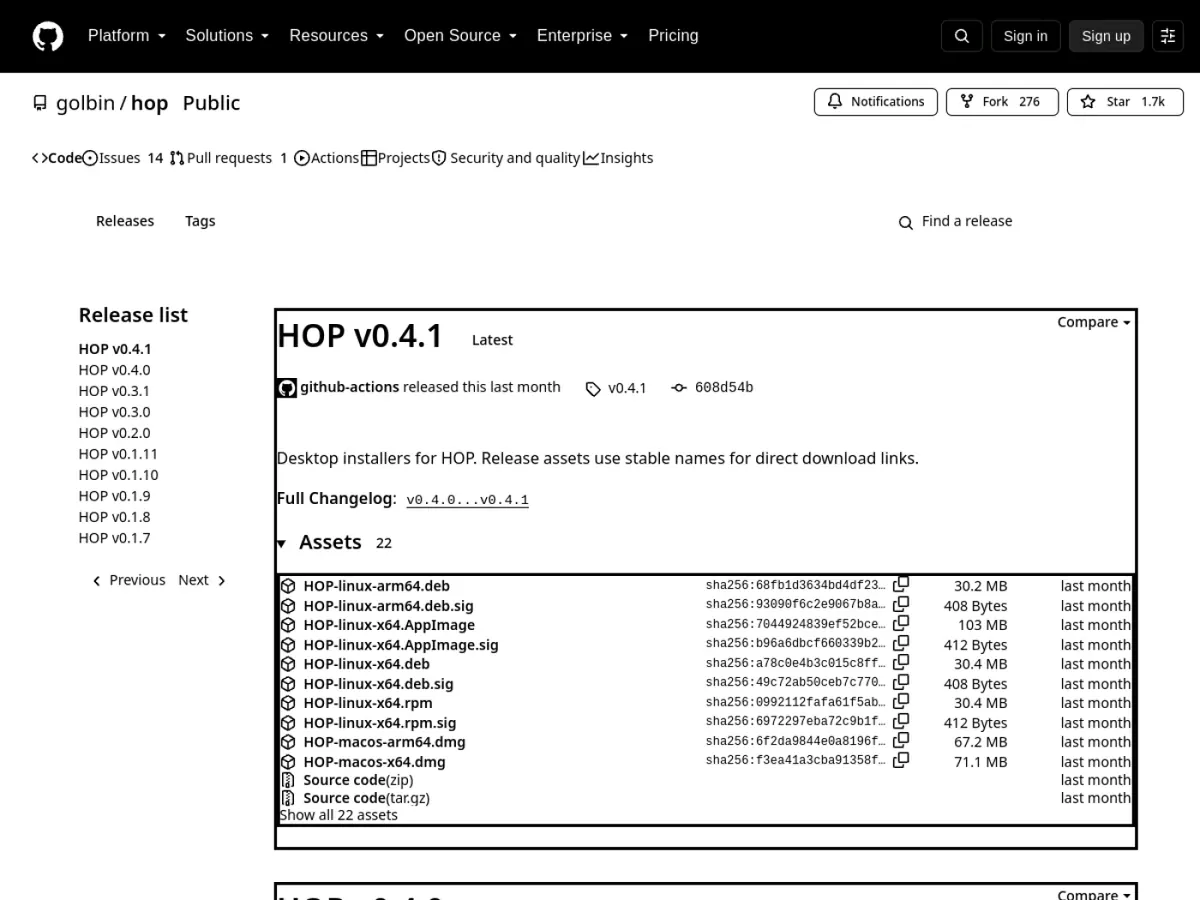
Choose the correct DMG for Apple Silicon or Intel from the official page. Homebrew users can install and update with:
brew install hop
brew upgrade hop
Install on Linux
Use the distribution package listed by the project: DEB for Debian or Ubuntu, RPM for Fedora or openSUSE, or another documented build. Arch-based users can use the listed AUR package:
yay -S hop-openhwp-binReview package ownership and the current official instructions before installing community-maintained packages.
Export or print a document
Open an untouched copy, inspect fonts and page breaks, make the necessary edits, and use the operating system print dialog to save as PDF when available. Compare page count, tables, images, headers, footers, and line breaks against the source before sending the PDF.
Compatibility precautions
- Keep the original document unchanged.
- Install missing Korean fonts if the layout shifts.
- Verify official forms in the application required by the recipient.
- Download releases only from the official HOP site or repository.
- Use PDF for final delivery when the recipient does not need to edit the source.
What HOP is
HOP, short for “HOP is Open HWP,” is a cross-platform desktop application for Korean Hangul Word Processor files. It is useful when someone sends you an .hwp or .hwpx document but you do not have Hancom Office installed.
The project is independent from Hancom and uses open-source components to parse and display documents.
Supported tasks
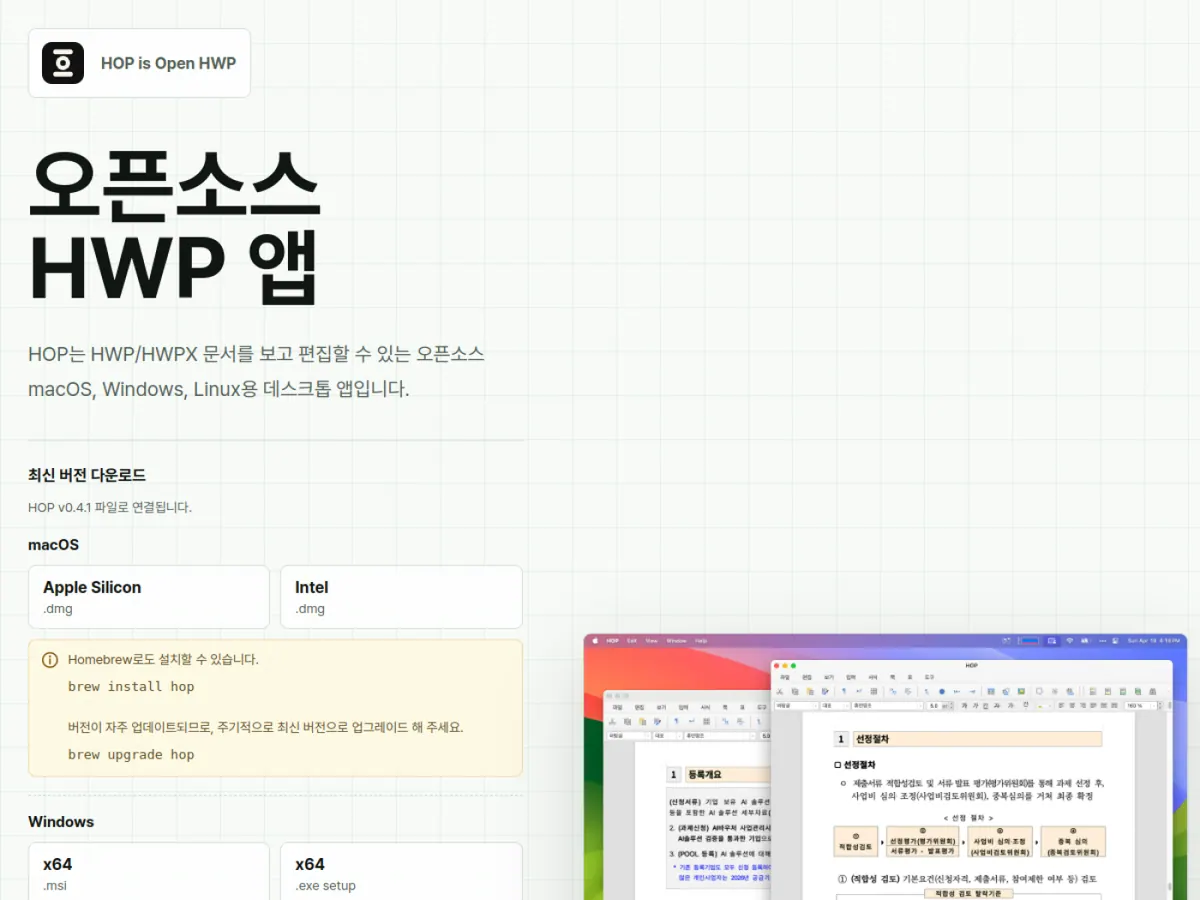
The official project describes common tasks including opening HWP and HWPX files, basic editing and saving, printing through the operating system, drag-and-drop opening, file associations, and multiple document windows.
Complex forms, embedded objects, fonts, equations, and precise pagination may not match the original application. Always verify a document before official submission.